Liten vs. Simplify Copilot: General Writer vs. Job-Application Specialist
If you're job hunting, Simplify Copilot is probably the tool you've already heard of. It's one of the most widely used autofill extensions built specifically for job applications, with direct integrations into the applicant tracking systems companies actually use — Workday, Greenhouse, Lever, iCIMS, Taleo, and dozens more. Liten covers job applications too, but as one use case among many rather than its entire focus. Worth comparing directly, since a lot of people land on one or the other for the exact same task.
How Simplify Copilot Works
You build a profile once — resume, work history, education, standard application details — and Simplify uses it to autofill the recurring fields on a supported job application: name, contact info, work authorization, education history, and so on. Because it's built specifically around ATS platforms, it knows the structure of those forms and can map your saved data to the right fields reliably across over a hundred different sites. For the open-ended questions a form asks beyond your basic details — "why are you a good fit for this role" — it offers AI-generated answers pulled from your resume and the job description, generally as part of a paid tier.
How Liten Works
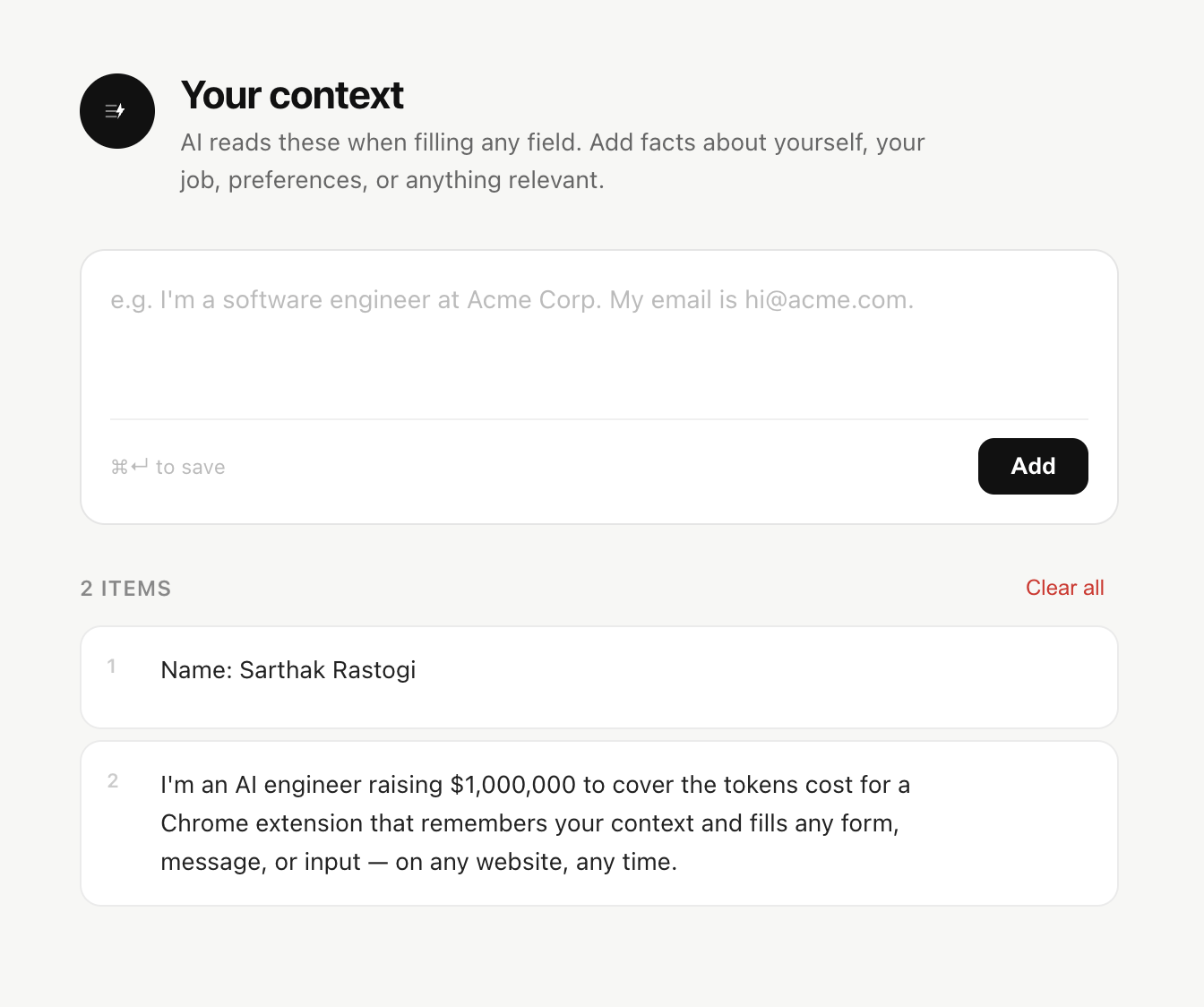
Liten doesn't have deep, pre-mapped knowledge of specific ATS platforms. Instead, it puts a Writer icon on any text field on any site, reads what that field is asking, and generates a response grounded in your context.

That means it doesn't need a form to be a "known" one to be useful — it works the same way on a company's custom-built careers page as it does on a mainstream ATS, because it's not relying on a map of that specific site's fields.
Structured Autofill vs. Open-Ended Writing
Simplify's real strength is the boring, repetitive part of an application — name, address, years of experience, education dropdowns — filled instantly and accurately because the extension knows exactly which field on a Workday form corresponds to which piece of your profile. That's a genuinely hard problem to solve well across 100+ different ATS layouts, and it's the thing Simplify is built around.
Liten's strength is the opposite half of the form: the open-ended questions that don't have a stored, correct answer. "Why do you want to work here." "Describe a challenge you overcame." A reply to a recruiter's LinkedIn message. These need to be written, not filled, and Liten treats every field that way by default rather than as an add-on feature.

Beyond Job Applications
The other real difference is scope. Simplify Copilot is built around one job — the job application — and everything about it, from the ATS integrations to the job tracker to the resume scoring, is oriented around that single workflow.
Liten isn't scoped to job hunting at all. The same context and the same Writer icon work on a LinkedIn message, an email reply, a grant application, a customer support form, or any other text field you run into.

Which One to Use
If you're deep in an active job search and applying through mainstream ATS platforms constantly, Simplify Copilot's structured autofill will save you real time on the repetitive fields, and its job tracker is a genuine bonus most general writing tools don't offer.
If you want one tool that handles the open-ended writing — on job applications and everywhere else text needs writing — Liten is built for that broader job. Plenty of people reasonably use both: Simplify for the structured fields it knows cold, Liten for everything that needs an actual answer rather than a lookup.