Liten vs. Magical: AI Generation vs. Saved Snippets
Of everything Liten gets compared to, Magical is probably the closest apples-to-apples match. Both are Chrome extensions that add a button to text fields and forms. Both aim to eliminate retyping the same information over and over. But they solve it with two fundamentally different mechanisms — one stores what you've already written, the other generates something new each time.
How Magical Works
Magical is built around text expansion and autofill. You define shortcuts — a few characters that expand into a saved block of text — so a 200-word intro you send often becomes a handful of keystrokes. Its autofill feature goes a step further, populating entire forms, spreadsheets, or CRM records in one click by pulling from data you've stored or from context already present on the page. It's widely used by sales and support teams for exactly this: cutting out repetitive data entry and message-sending across whatever tools they work in daily.
How Liten Works
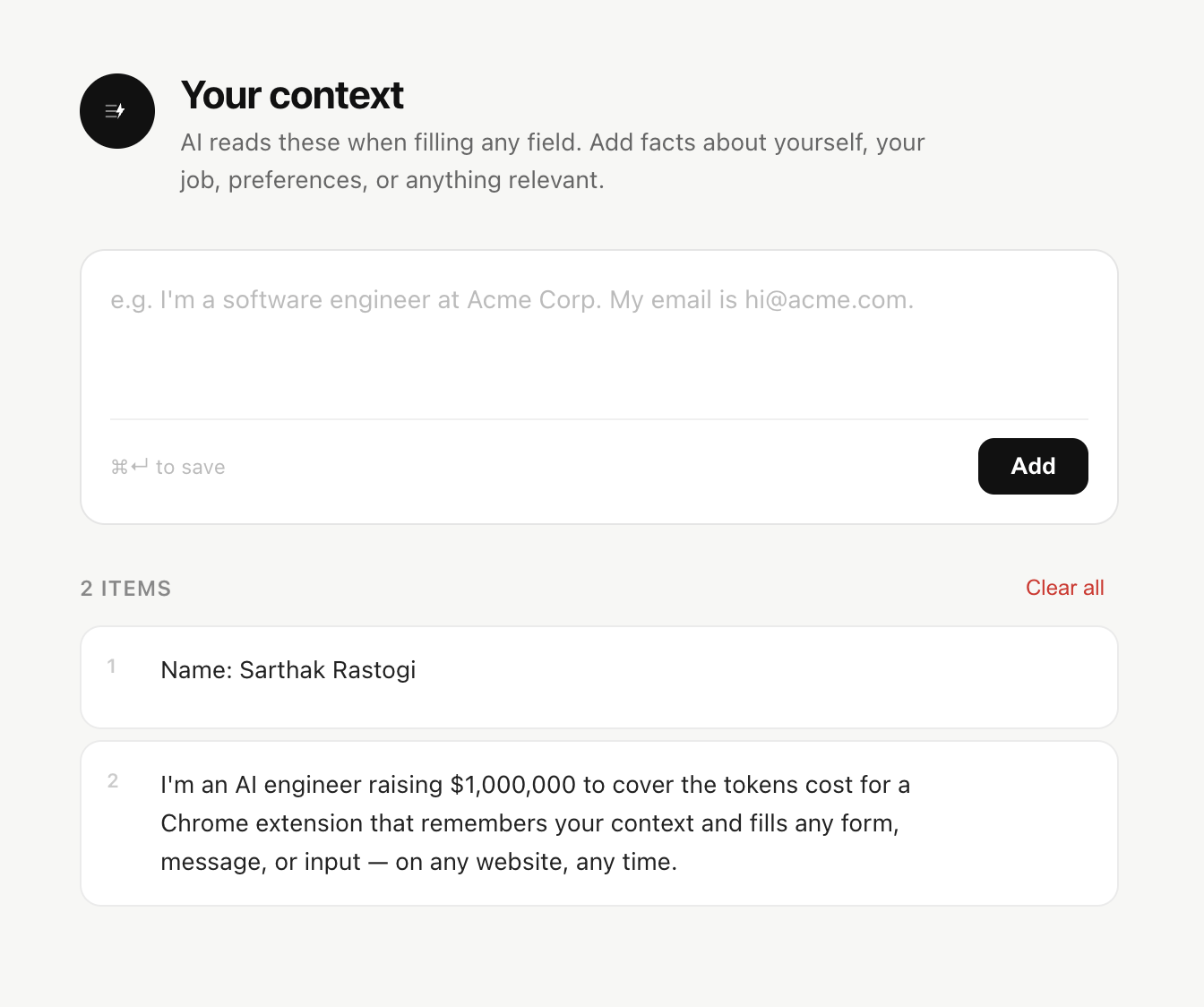
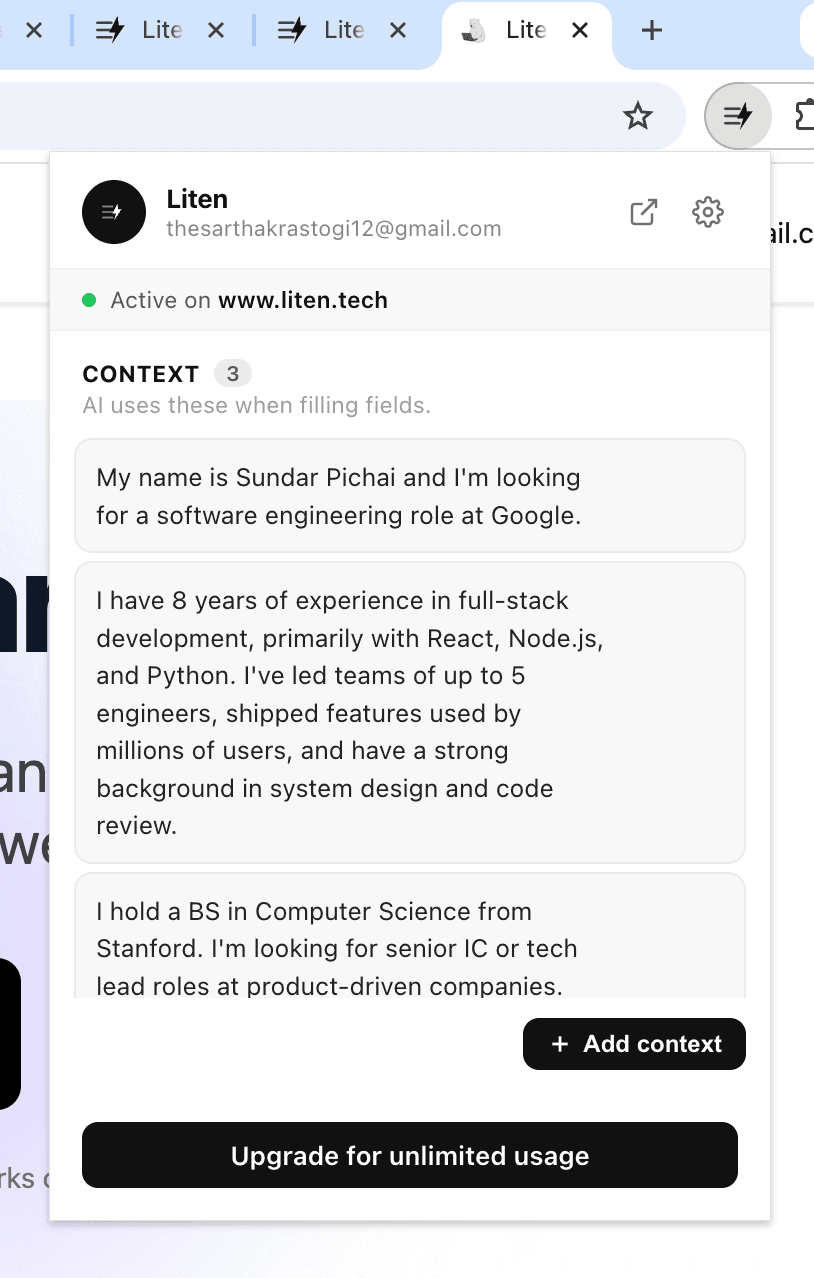
Liten isn't storing pre-written blocks of text to insert. Every generation is produced fresh, on the spot, by an AI model reading the field you're in and your stored context — your background, goals, and experience — and writing a response suited to that specific question.

There's no shortcut to memorize and no snippet library to maintain. You click the Writer icon, and it writes.
Retrieval vs. Generation
This is the real distinction. Magical is fundamentally a retrieval tool: it's fast because it's pulling something you already wrote (or structured data you already have) and dropping it in place. That's ideal when the answer really is the same every time — your email signature, your standard follow-up, your address.
Liten is a generation tool: it's producing new text tailored to the specific question in front of it, using your context as the raw material rather than a template. That matters most when the field is asking something that doesn't have one fixed answer — "why are you interested in this role," a LinkedIn reply that should reference the other person's message, a cover letter paragraph that needs to speak to a specific job description.

Setup Effort
Magical's snippets need to be written by you up front, one at a time, for every message or answer you want to reuse. The system is only as useful as the library you've built.
Liten's setup is a single context profile — the raw facts about you — rather than a set of pre-written outputs. You're not writing out every possible answer in advance; you're giving the AI what it needs to write any of them on demand.
When Each One Wins
If your repetitive writing really is repetitive — the same reply, the same field values, the same message template sent to different people with small swaps — Magical's snippet-and-autofill approach is faster, because there's no generation step at all; it's just inserting text you've already approved.
If what you're filling out changes every time — different questions, different companies, different people you're messaging — Liten's approach holds up better, because it's not limited to what you thought to save in advance. It's built for the parts of your day where "just reuse what I wrote last time" doesn't actually work.