Liten vs. Compose AI: Generated From Context vs. Predicted From Habit
Compose AI and Liten both live inside your browser's text fields, and both aim to get you writing faster without leaving the page. The overlap ends around there, though — they're solving the "write faster" problem from opposite directions. Compose AI predicts what you'd type next, based on how you usually write. Liten generates what makes sense for the field, based on who you are.
How Compose AI Works
Compose AI's core feature is autocomplete: as you type, it shows a greyed-out suggestion for how your sentence might continue, and you press Tab to accept it. It also has a // command that opens a prompt box for generating text on demand, plus rephrasing tools for making a sentence shorter, longer, or more formal. Over time, it's meant to learn your writing style and get better at predicting your phrasing.
It's built as a general typing accelerator — useful across Gmail, Docs, Slack, Notion, and most text boxes on the web, for anyone who writes a lot of similar sentences and wants to type less of each one.
How Liten Works
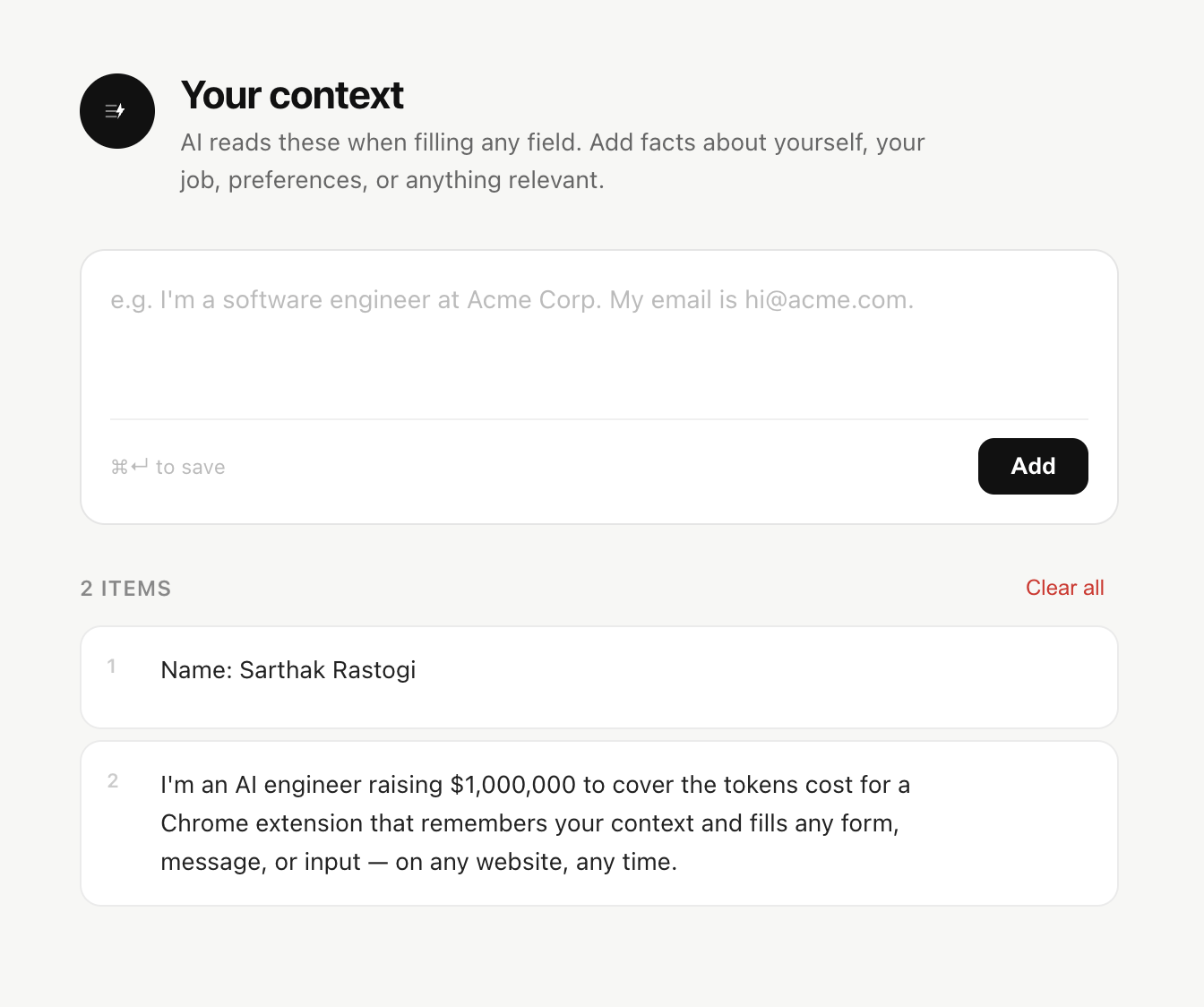
Liten isn't trying to predict your next few words. It generates a complete, ready-to-edit response for the field you're in, grounded in a context profile you set up ahead of time — your background, your goals, whatever's relevant to what you're writing.
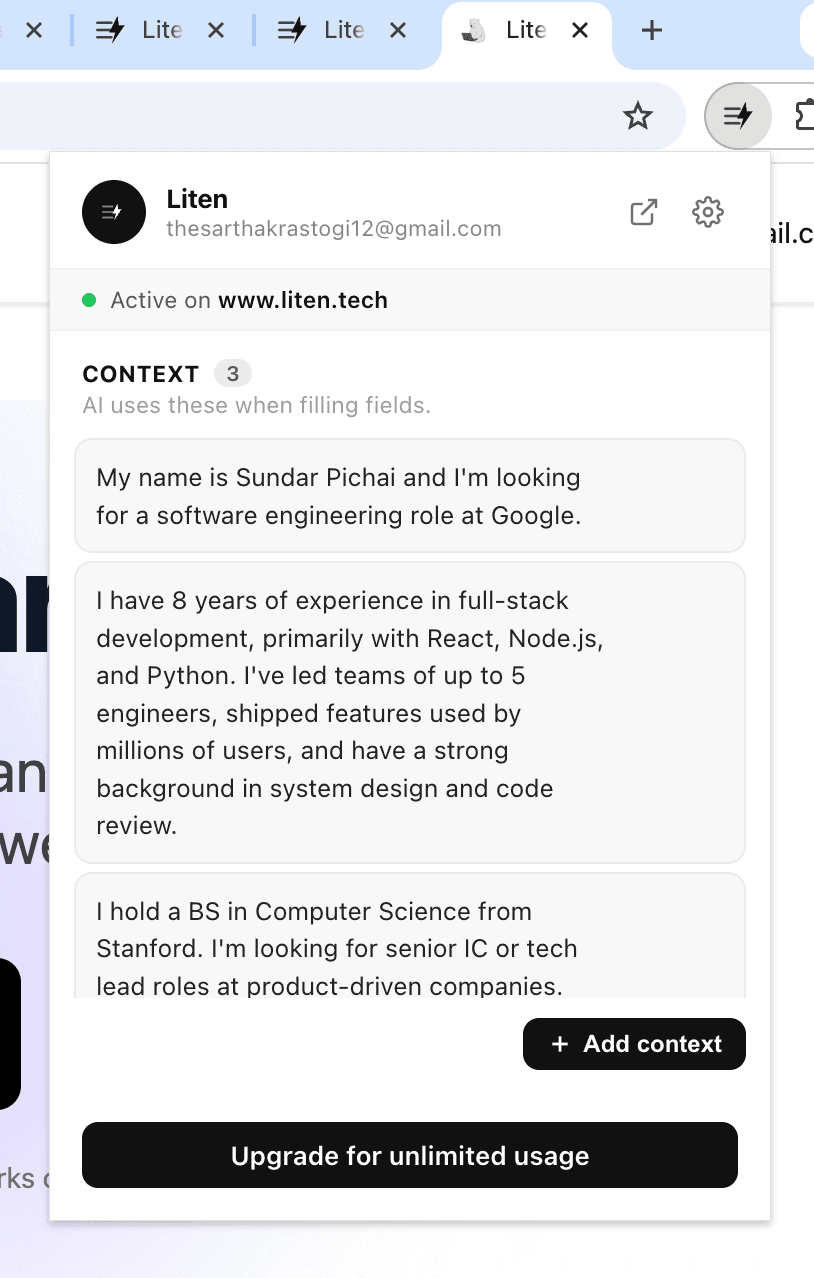
There's no typing to interrupt with suggestions, and no // command to remember. You click into a field, a Writer icon appears, and clicking it produces the full answer — not a phrase-by-phrase prediction of what you were about to type anyway.
Autocomplete vs. Answering
This is the real difference. Compose AI assumes you already know what you want to say and just want to type it faster — it's accelerating your own sentence. Liten assumes you want the field answered: "Why do you want to work here?", "What's your experience with X?", a LinkedIn reply to a recruiter — questions where you don't want to type a first draft at all, you want a grounded one handed to you.

Compose AI's personalization comes from watching your typing patterns over time. Liten's comes from context you deliberately provide — your resume details, your career goals, text you've selected from other pages — which means the output is accurate to your background from the very first use, not something that improves gradually as the tool learns your habits.
Where Each One Fits
Compose AI is a strong fit if you write a high volume of similar, short-to-medium messages and want to type less of the boilerplate — routine email replies, quick Slack messages, repetitive phrasing you already know by heart.
Liten fits when the field is asking a real question you'd otherwise have to think through and draft — job application essays, cover letters, grant applications, thoughtful outreach messages — where what you need isn't faster typing, it's a complete, personalized answer you can review and send.

If your bottleneck is typing speed, autocomplete tools like Compose AI solve that well. If your bottleneck is "I don't want to write this from scratch every time," that's the gap Liten is built to close.