Liten vs. Claude in Chrome: An AI Writer vs. a Browser Agent
Anthropic's Claude in Chrome and Liten both put AI directly in your browser, and both can technically "fill out a form" for you. But they're solving different problems. Claude in Chrome is a general-purpose agent that reads, clicks, and navigates the web on your behalf. Liten is a writing tool that lives inside text fields specifically. Here's how they actually differ in day-to-day use.
What Claude in Chrome Is Built For
Claude in Chrome opens as a side panel next to whatever page you're on. You describe a task in natural language — summarize this article, extract this data into a spreadsheet, fill out this form, book this appointment — and Claude works through it step by step: reading the page, clicking buttons, typing into fields, and navigating between tabs if the task needs it.
That's genuinely useful for multi-step browsing work: research across several sites, repetitive workflows you can record once and replay, or handing a whole task off and checking back when it's done. It's an agent, not a shortcut — it's built to act for you across a session, not just to write one piece of text.
What Liten Is Built For
Liten skips the "describe the task" step entirely. It doesn't open a side panel or wait for instructions — a small Writer icon just appears inside the text field you're already in. Click it, and it generates content for that field immediately, based on context you've already set up.

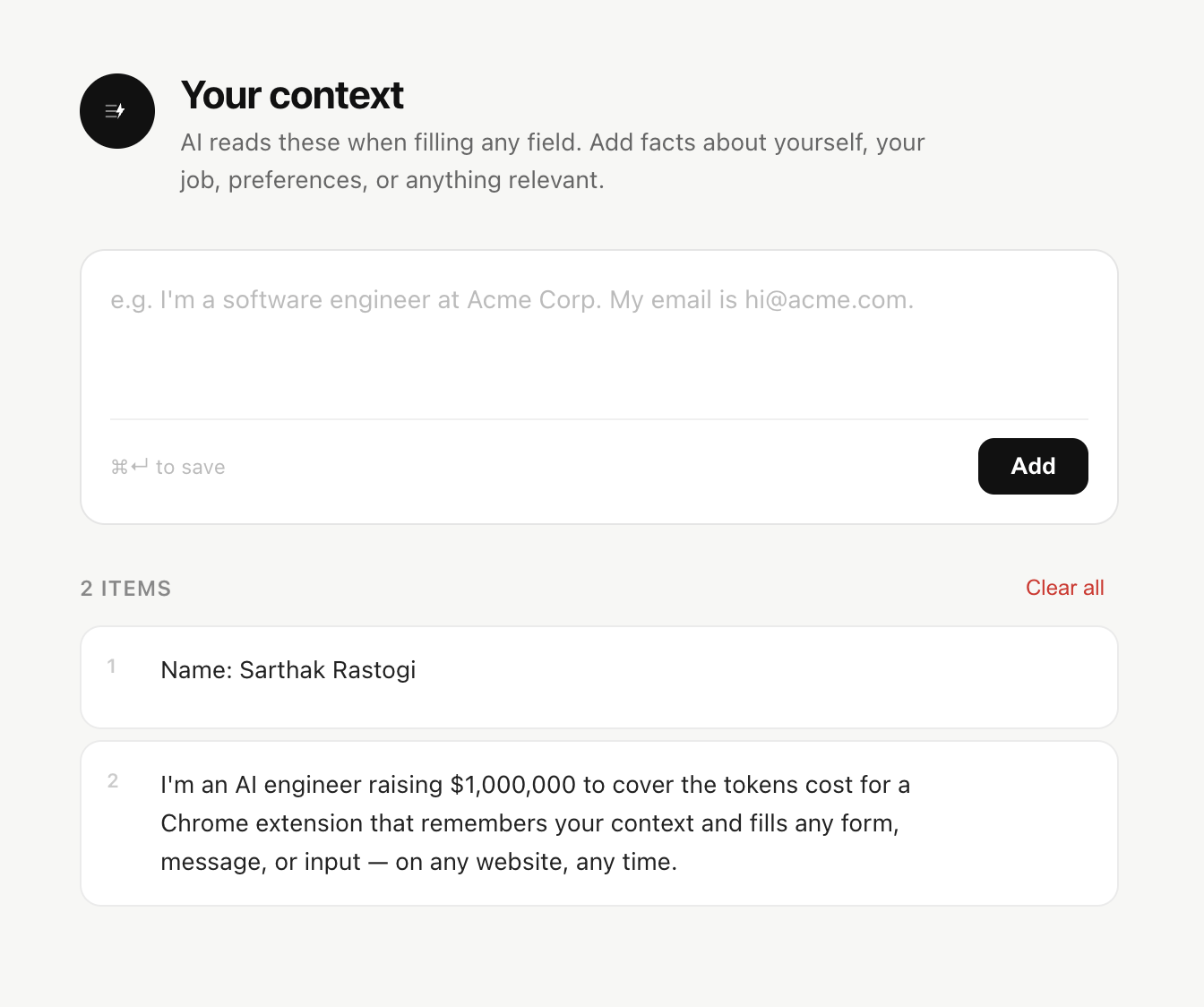
There's no conversation to have. You're not telling Liten what to do each time — you set up who you are once, and every field-level generation from then on just uses that.
The Core Difference: Instructing vs. Remembering
This is really the heart of it.
Claude in Chrome is instruction-driven. Each session, you tell it what you want, and it reasons through how to get there. That flexibility is the point — it can handle tasks that have never been described to it before.
Liten is context-driven. You build a persistent profile once — your background, your goals, whatever's relevant to what you write — and every click just pulls from that. There's nothing to type or explain per task, because the "instructions" are already stored as your context.
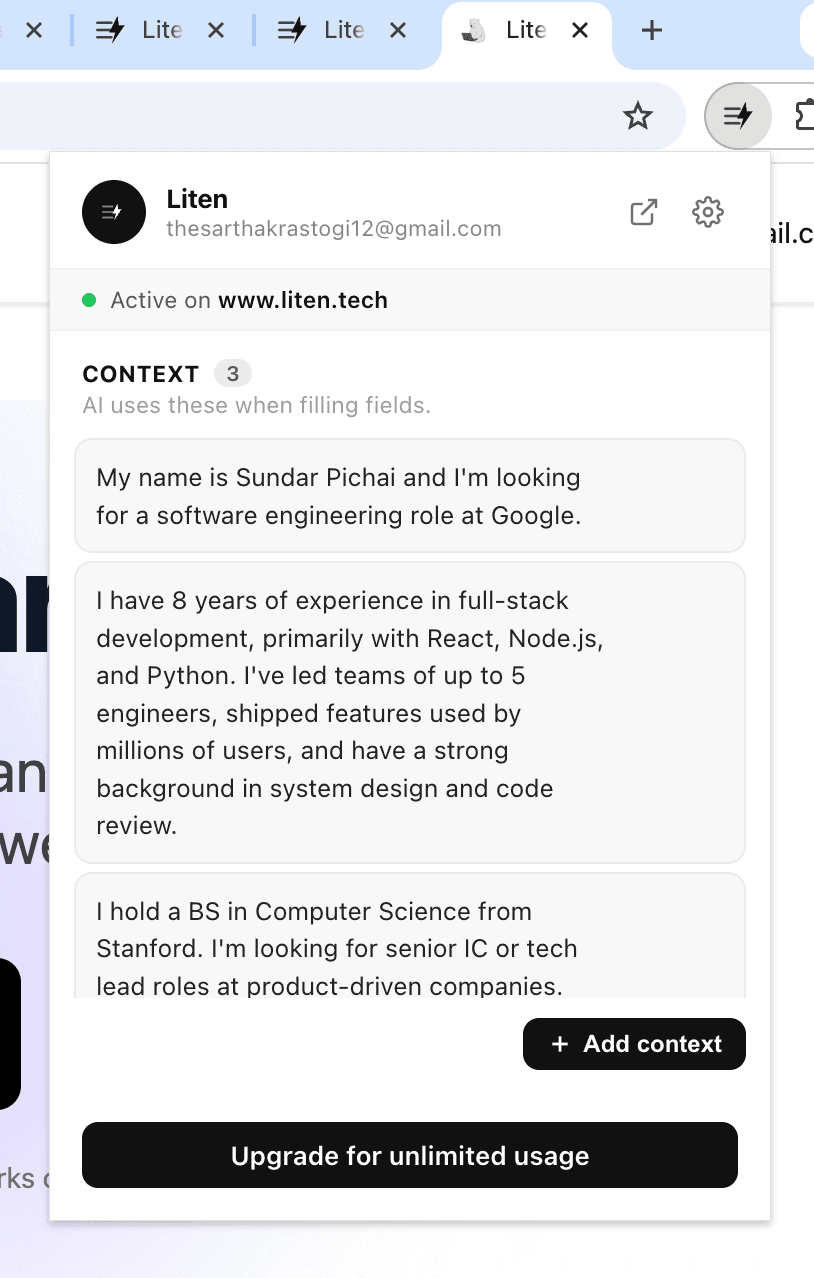
If you're applying to twenty jobs in an afternoon, that difference adds up fast. With an agent, you're re-establishing context or babysitting a multi-step run each time. With Liten, it's one click per field, every time, because the context work is already done.
Access and Cost
Claude in Chrome requires a paid Claude subscription (Pro and above), and on the entry-level Pro plan it currently runs on Anthropic's smaller Haiku model rather than its most capable one. It's also a beta feature, which means it comes with permission prompts and safety guardrails appropriate for an agent that can take real actions on your behalf — clicking, submitting, navigating.
Liten doesn't require a Claude subscription at all — it runs on its own backend. Since it only ever acts within a single field you've clicked into, there's a much smaller surface area of things it can do, which keeps the permission model simple: it reads the field and your context, and writes text into that field. Nothing else.
When You'd Want Each One
Claude in Chrome makes sense when the task spans multiple steps or multiple pages — research and compile, navigate and extract, click through a multi-page checkout. It's an agent for browsing work.
Liten makes sense for the thing you do dozens of times a week without thinking about it: writing into a box. Cover letters, application questions, LinkedIn messages, email replies, form responses. It's not trying to browse for you — it's trying to make the one action of "write something here, using what you already know about me" as close to instant as possible.

They're not really competing for the same click. If you want an agent to handle a browsing task end to end, that's Claude in Chrome's job. If you want the fastest possible way to get a good, personalized first draft into a text field, that's what Liten was built for.