Liten vs. ChatGPT: Why "Just Use ChatGPT" Isn't the Same Thing
The most common question Liten gets isn't "how does it compare to another extension" — it's "why not just use ChatGPT?" It's a fair question. ChatGPT can write a cover letter, a LinkedIn reply, or an application answer just as well, often in the same quality. The difference isn't output quality. It's everything that happens around generating the text.
The ChatGPT Workflow
Using ChatGPT to fill out a form looks something like this: open a new tab, find ChatGPT, explain who you are and what you need (again, because it doesn't remember your last session unless you've built that context in yourself), wait for a response, copy it, switch back to the original tab, paste it into the field, and check that it actually fits what was being asked.
Do that once and it's a couple of minutes. Do it for every question on a ten-question job application, or every message you send on LinkedIn in a week, and the tab-switching and re-explaining becomes the actual bottleneck — not the writing itself.
The Liten Workflow
Liten removes the parts of that process that aren't the writing itself. There's no new tab, no copy, no paste, no re-explaining who you are.

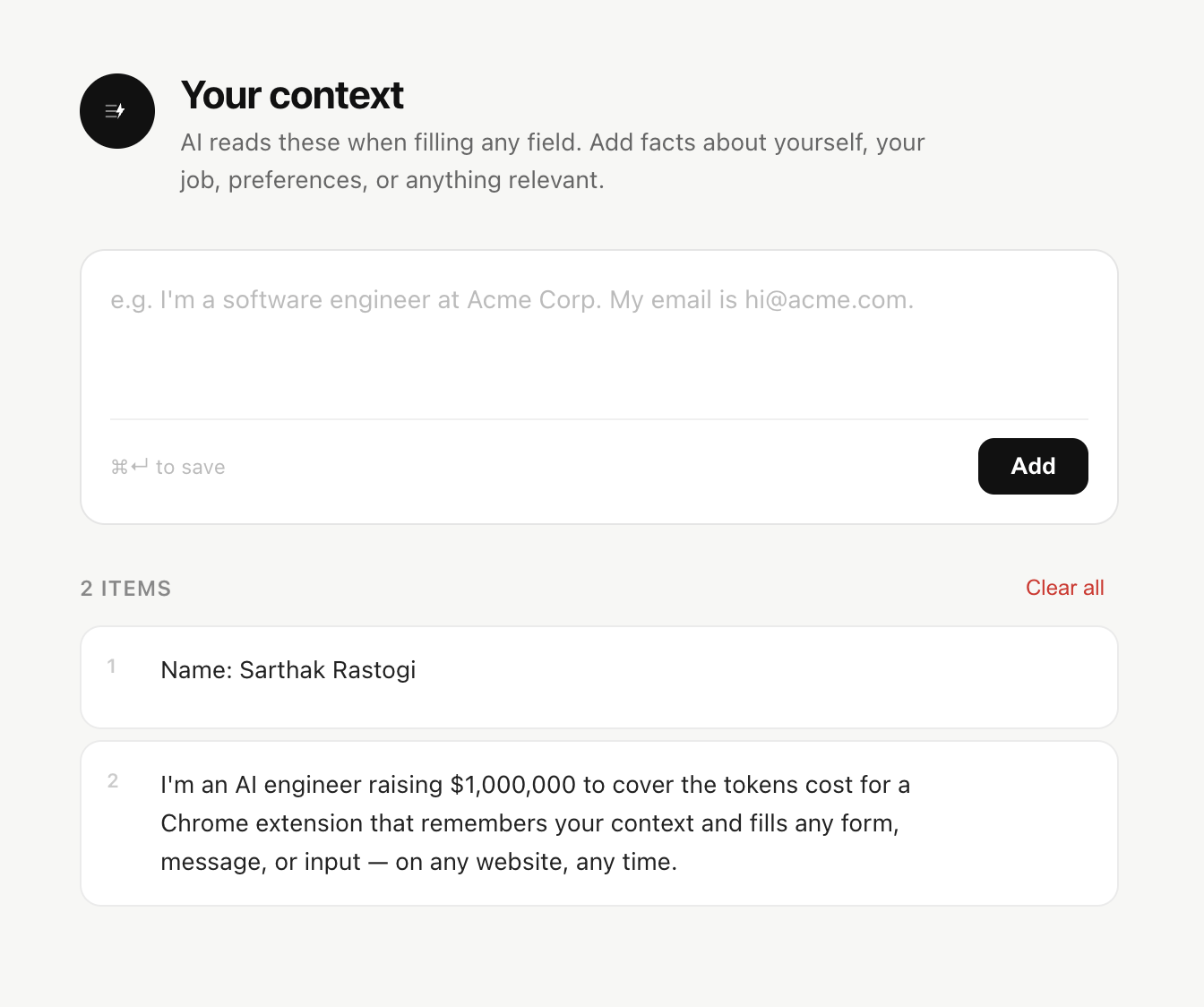
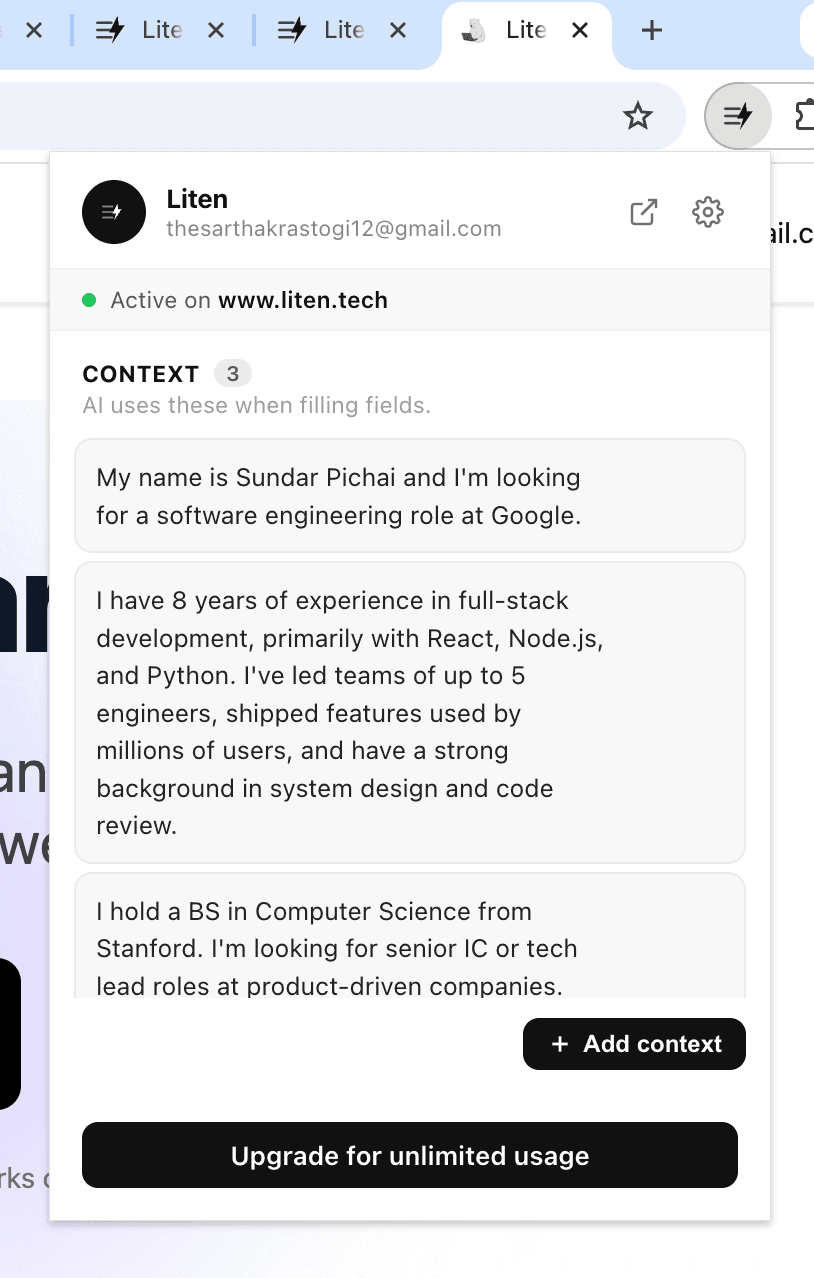
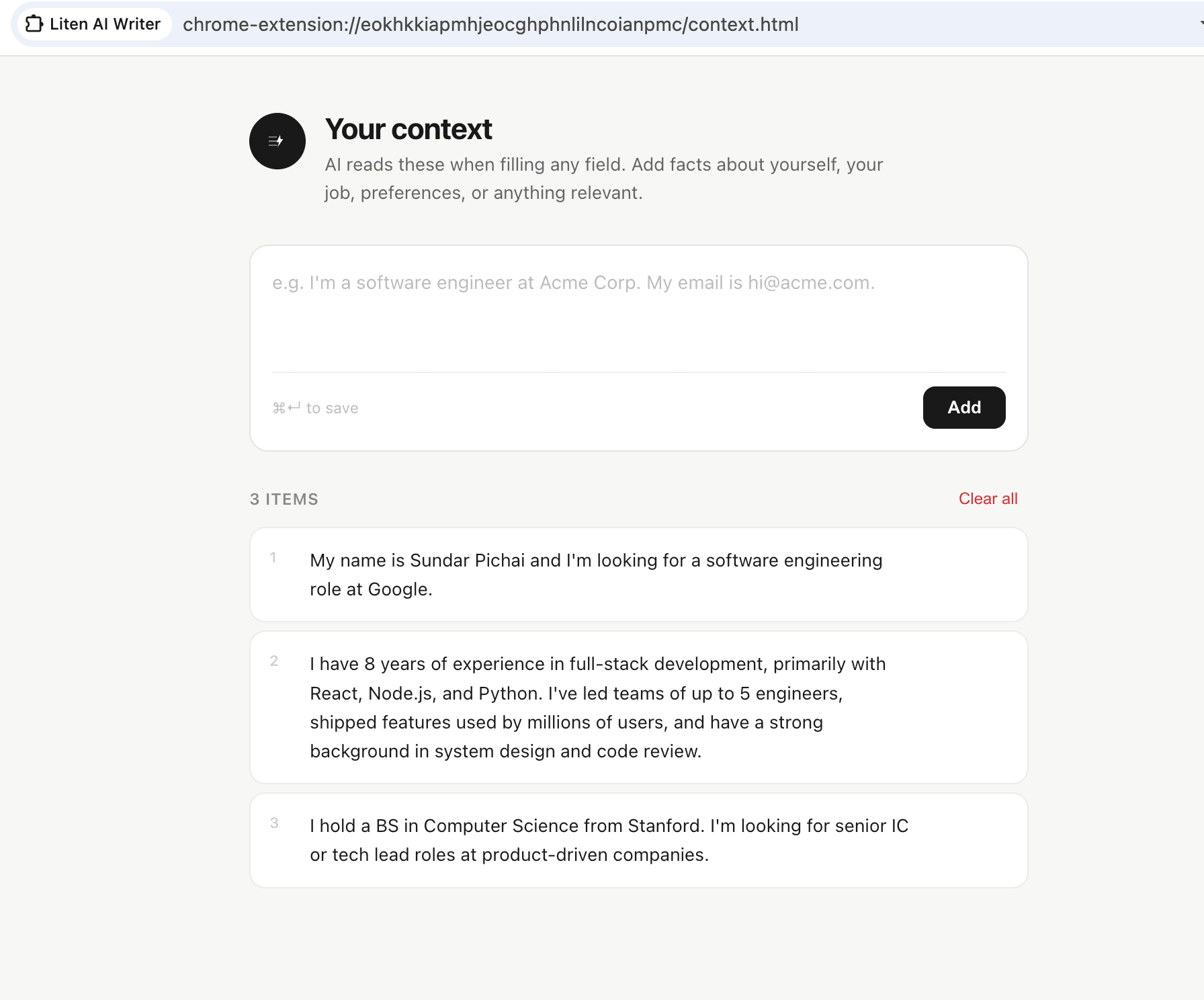
You set your context once, in the extension popup or on the Liten website, and it stays there. From then on, every field you click into already has that context available — you just click the Writer icon and the field fills in place.
Context That Persists vs. Context You Re-Type
This is the actual gap. ChatGPT is stateless by default from your point of view in a given tab — it doesn't know your resume, your goals, or your tone unless you paste that in, and doing so for every new chat gets old fast. Some of that can be worked around with saved custom instructions or memory features, but it's still a general-purpose chat interface, not something built around the specific moment of "there's a text field open right now."
Liten's context is built for exactly that moment. You can add to it directly from any page — highlight your LinkedIn bio, a job description, an old email you liked the tone of, and add it to your context without ever opening a separate AI tab.
What You Lose, and What You Gain
To be fair to ChatGPT: it's more flexible. You can iterate on a response with follow-up messages, ask it to take a completely different angle, or have a long back-and-forth to get the wording exactly right. Liten's one-click generation is faster but more limited — it's built for "give me a solid grounded draft right now," not for an extended editing conversation.
For most day-to-day form-filling — job applications, quick email replies, routine messages — that trade-off favors speed. You're not looking for a nuanced back-and-forth about phrasing; you're looking for something reasonable, fast, and already in the box, ready to tweak by hand if needed.

If you need a long, iterative writing session, ChatGPT's chat format is still the better tool. If you need the fifteenth field of the day filled with something grounded in your actual background, without leaving the page, that's what Liten is for.