How to Fill Out Job Application Forms with AI: Stop Starting from Scratch Every Time
Job hunting is exhausting. You spend hours crafting the perfect cover letter, only to open the next application and face the same blank text box all over again. Every company wants you to "describe a time you demonstrated leadership" or "explain why you're passionate about this role"—and they all want it typed directly into their form.
Liten changes that. Instead of copy-pasting from a doc or rewriting the same answers over and over, you get AI-generated responses tailored to each field, drawn from your own background and experience—right inside the form itself.
The Problem with Job Applications Today
Most job seekers have a resume and maybe a cover letter template. But modern applications ask for far more than that:
- Open-ended essay questions
- Competency-based answers ("Tell us about a time...")
- Skills summaries
- Why-this-company statements
- Salary expectations and availability
Each answer needs to sound natural, relevant, and specific. Copy-pasting the same paragraph everywhere gets spotted immediately. Writing fresh answers for every field takes forever.
How Liten Makes Job Applications Faster
Liten is a Chrome extension that adds an AI writing button to every text input on every website—including job application forms.
Step 1: Install the Extension
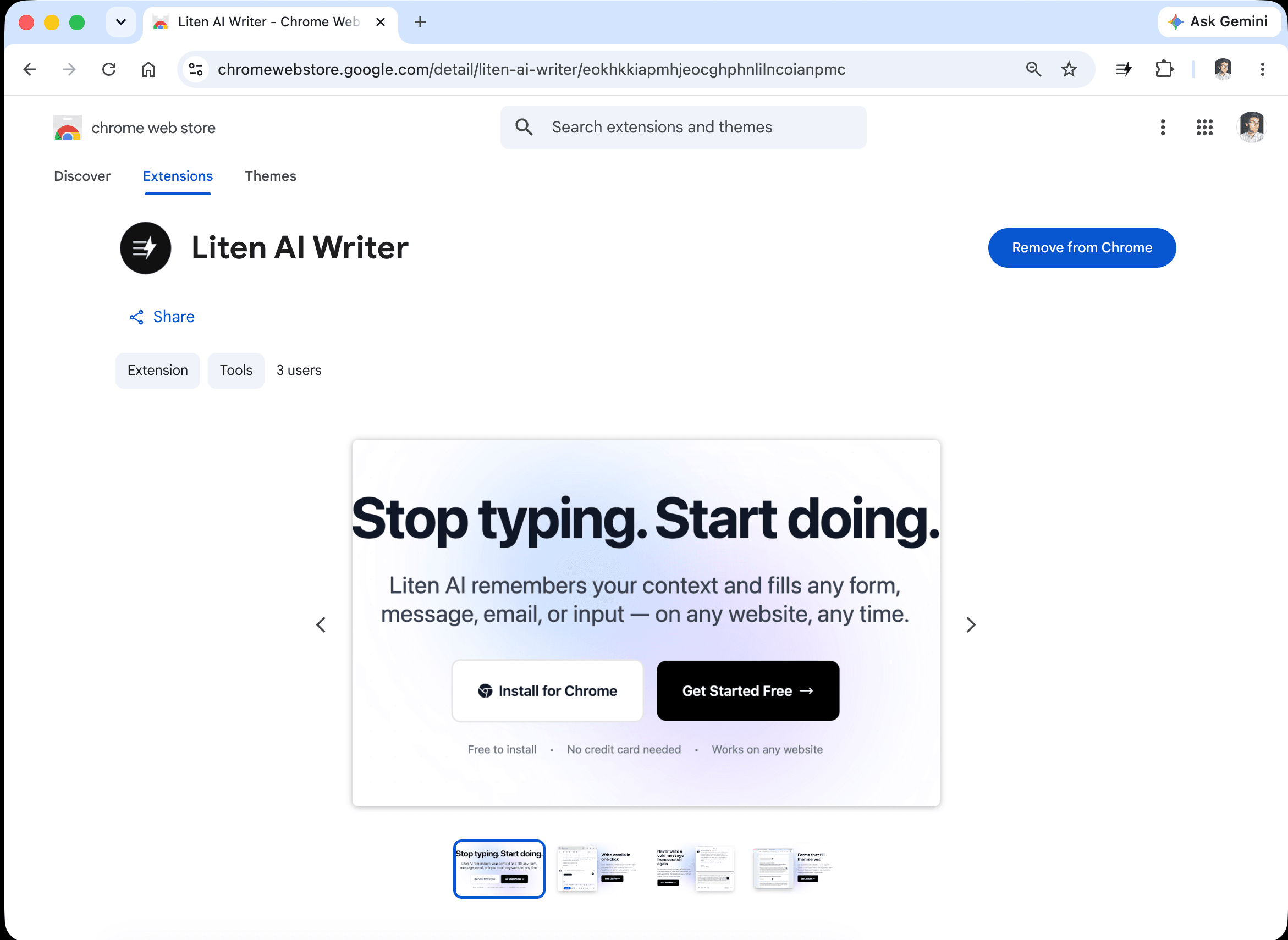
Head to the Liten listing on the Chrome Web Store and click Add to Chrome.
Step 2: Create a Free Account
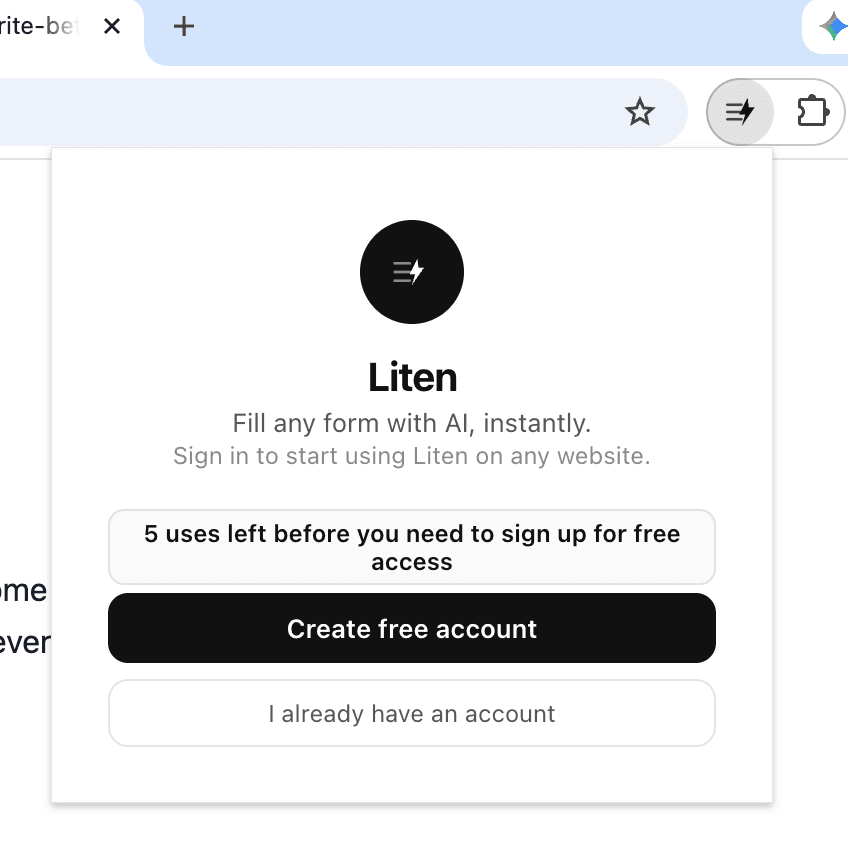
Open the extension and create a free account to get started. You can use it for free for as long as you want, and it gives you access to the core AI writing features.
Step 3: Set Your Context
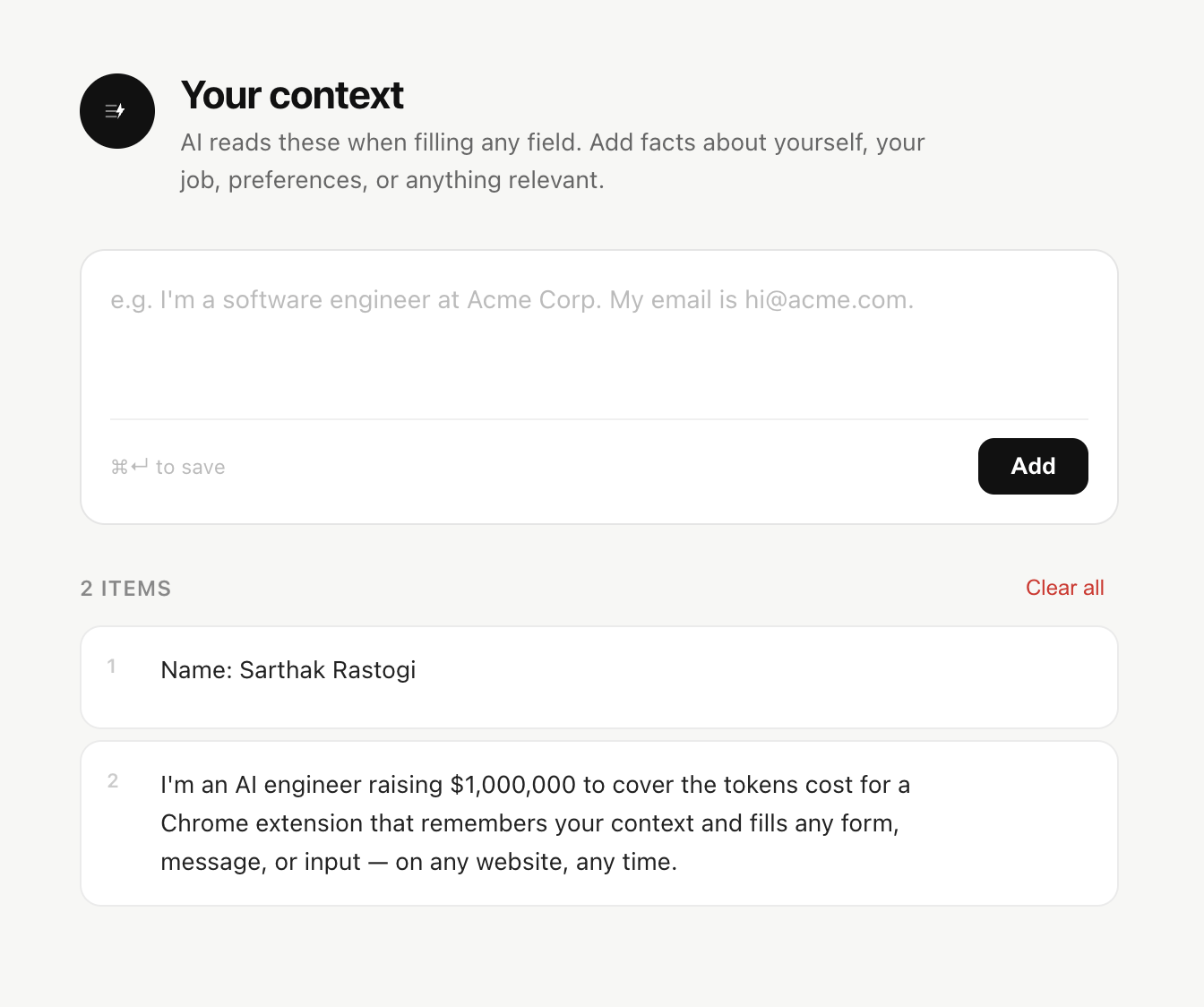
Open the extension popup and add your context. This is the information Liten uses when generating responses—think of it as briefing your AI writing assistant.
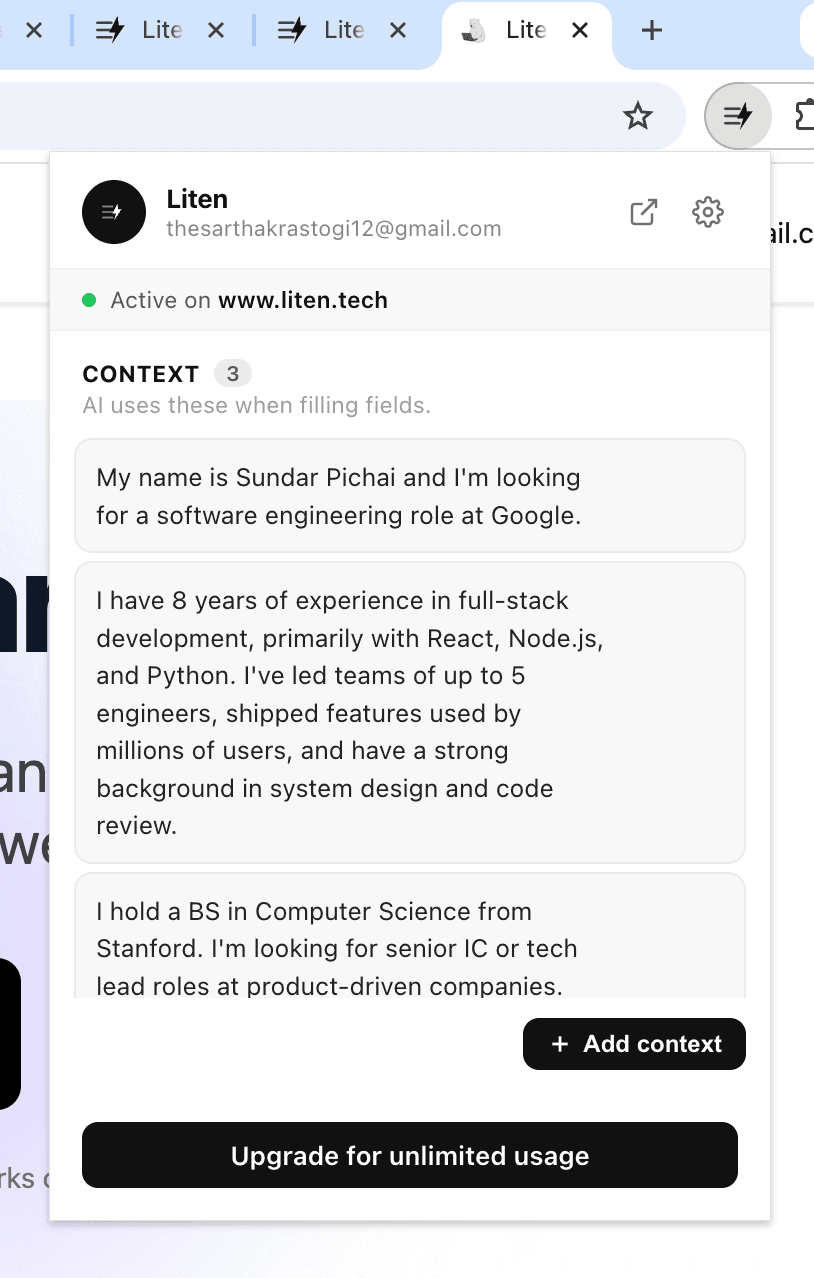
You can also click "Add Context" to add, edit, and organize everything in one place.
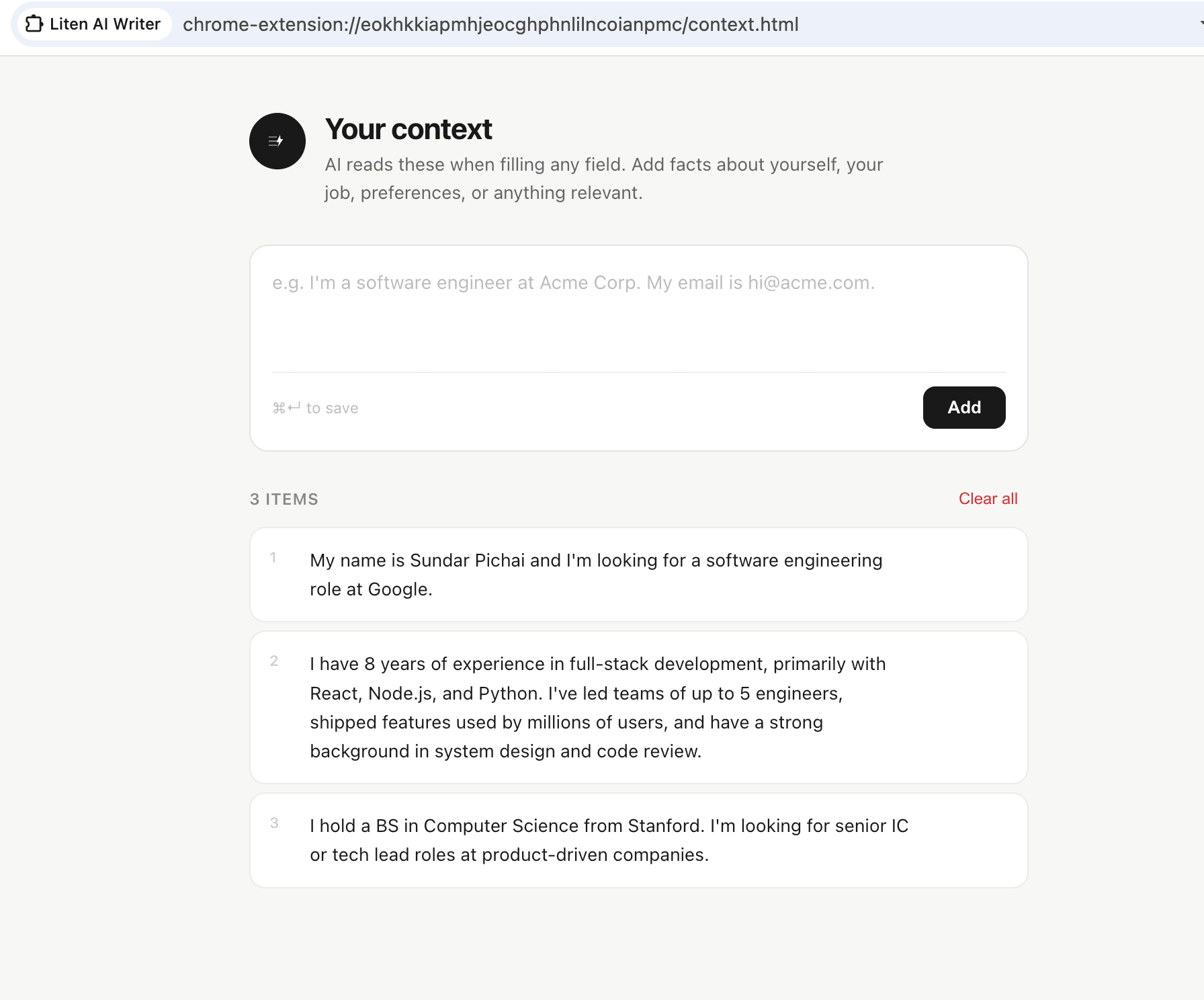
Good context to include for job applications:
- A summary of your work experience and key roles
- Your top skills and areas of expertise
- Career goals and what you're looking for in your next role
- Achievements and notable projects you want to highlight
- Your educational background
- Anything specific to the types of roles you're applying for
Step 4: Let Liten Fill the Form for You
Navigate to any job application—on a company's own careers page, a Google Form, Greenhouse, Lever, Workday, or anywhere else. When you click into a text input, the Liten logo appears. Click it, and within seconds you'll have an AI-generated response for that field.
For a field like "Describe your experience with project management," Liten pulls from the relevant parts of your context and writes a coherent, specific answer—not a generic template.
Step 5: Review and Personalize
The generated content is a strong starting point, not a final answer. Read it, tweak the details, add specifics about the company you're applying to, and make it yours. This takes a fraction of the time compared to writing from scratch.
What Liten Gets Right That Other Tools Don't
Most AI writing tools require you to open a separate tab, write a prompt, generate text, copy it, and paste it into your form. By then you've broken your flow completely.
Liten stays inside the form. The button is right there in the text field. You don't switch contexts, you don't lose your place, and you don't spend five minutes crafting a prompt—you just click and get a draft.
Tips for Better Results
Be specific in your context. The more detail you give Liten about your background, the more relevant and specific the generated answers will be. Instead of "I have management experience," write "I managed a cross-functional team of 8 people across engineering and design to ship a mobile app on a 3-month timeline."
Add context relevant to your target roles. If you're applying for marketing roles, make sure your context includes marketing-specific achievements, tools you've used, and the kinds of problems you've solved.
Keep your context updated. As you gain new experience or shift your focus, update your Liten context to reflect that. You can store it on the Liten cloud or locally on your device—it's encrypted either way.
Use it for every field, not just the essay questions. Even short fields like "Describe your current role in one sentence" benefit from a well-crafted AI draft.
The Bottom Line
Job applications are repetitive by design. Liten makes them fast without making them generic—because everything it generates is based on your actual background and experience. You spend less time staring at blank text boxes and more time applying to more roles, faster.
Install Liten for Chrome and try it on your next application.