The Freelancer's Guide to Using AI for Client Communication and Proposals
Freelancing involves a surprising amount of writing that has nothing to do with your actual work. Proposals, project briefs, client updates, follow-ups, scope-of-work documents, onboarding questionnaires—the administrative side of running a freelance business is its own part-time job.
Liten is a Chrome extension that generates professional text in any input field on any website, using your background and services as the foundation. Here's how freelancers can use it to reclaim time spent on the writing work around their work.
What Takes So Long
Freelancers don't just do the work—they sell it, manage it, document it, and communicate about it constantly. The bottlenecks show up everywhere:
- Writing proposals for new clients takes hours
- Responding to inquiries requires explaining your services again and again
- Platform profiles on Upwork, Fiverr, LinkedIn, and others need to be polished and consistent
- Client onboarding forms ask you to describe your process and experience
- Follow-up emails need to be professional without being pushy
Most freelancers handle this by keeping a folder of saved copy they paste from. It works, but the result often reads like a template—because it is one.
How to Use Liten as a Freelancer
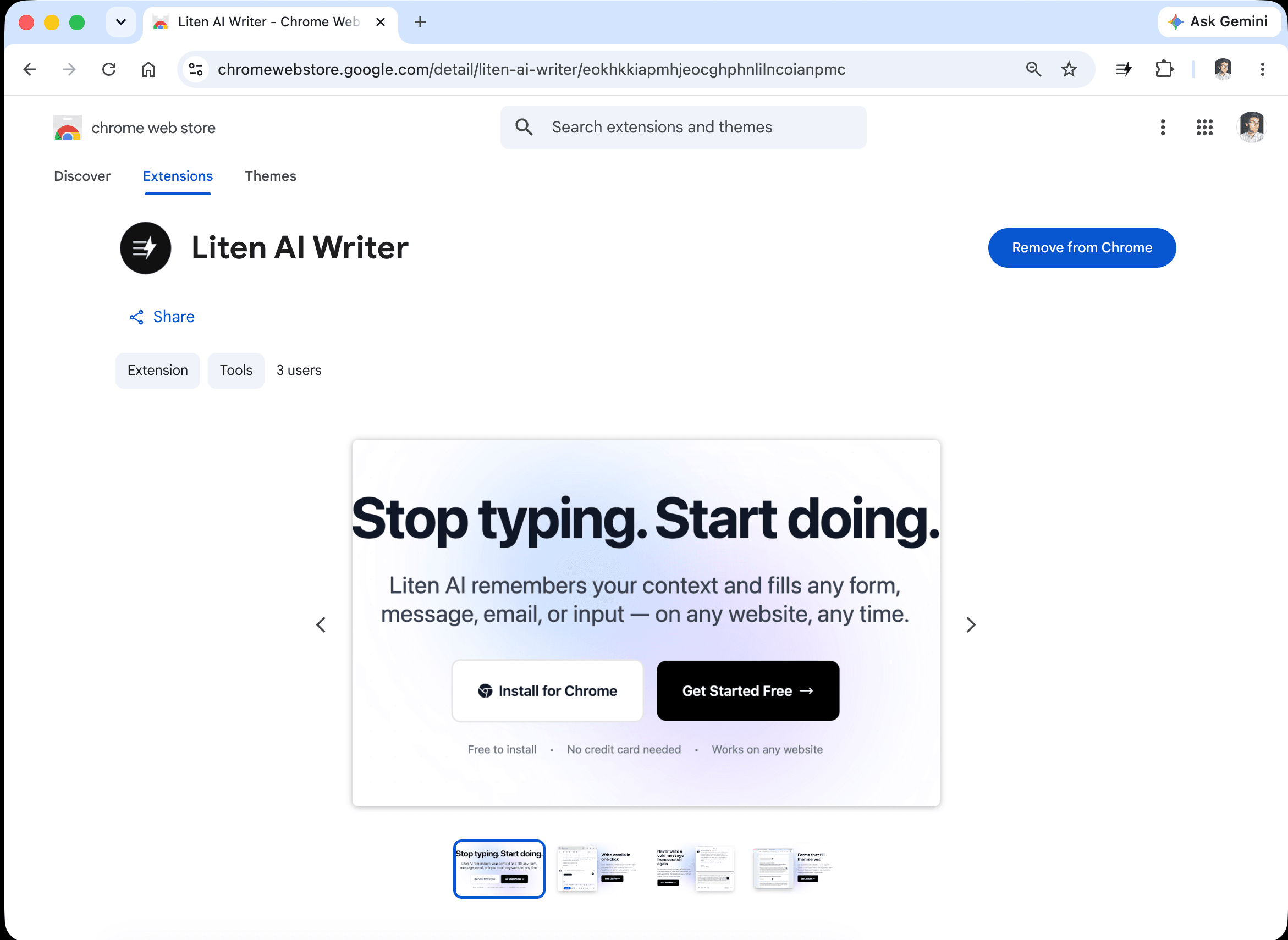
Step 1: Install the Extension
Head to the Liten listing on the Chrome Web Store and click Add to Chrome.
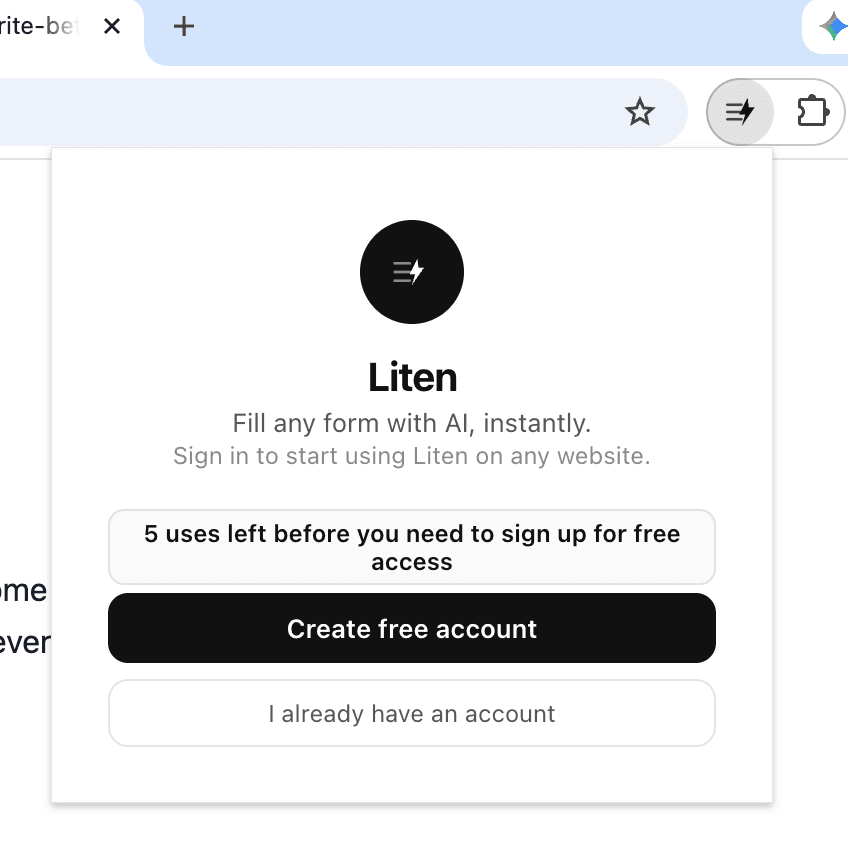
Step 2: Create a Free Account
Open the extension and create a free account to get started.
Step 3: Set Your Freelance Context
Open the extension popup and add your professional context. This is what Liten draws from every time you need to write something.
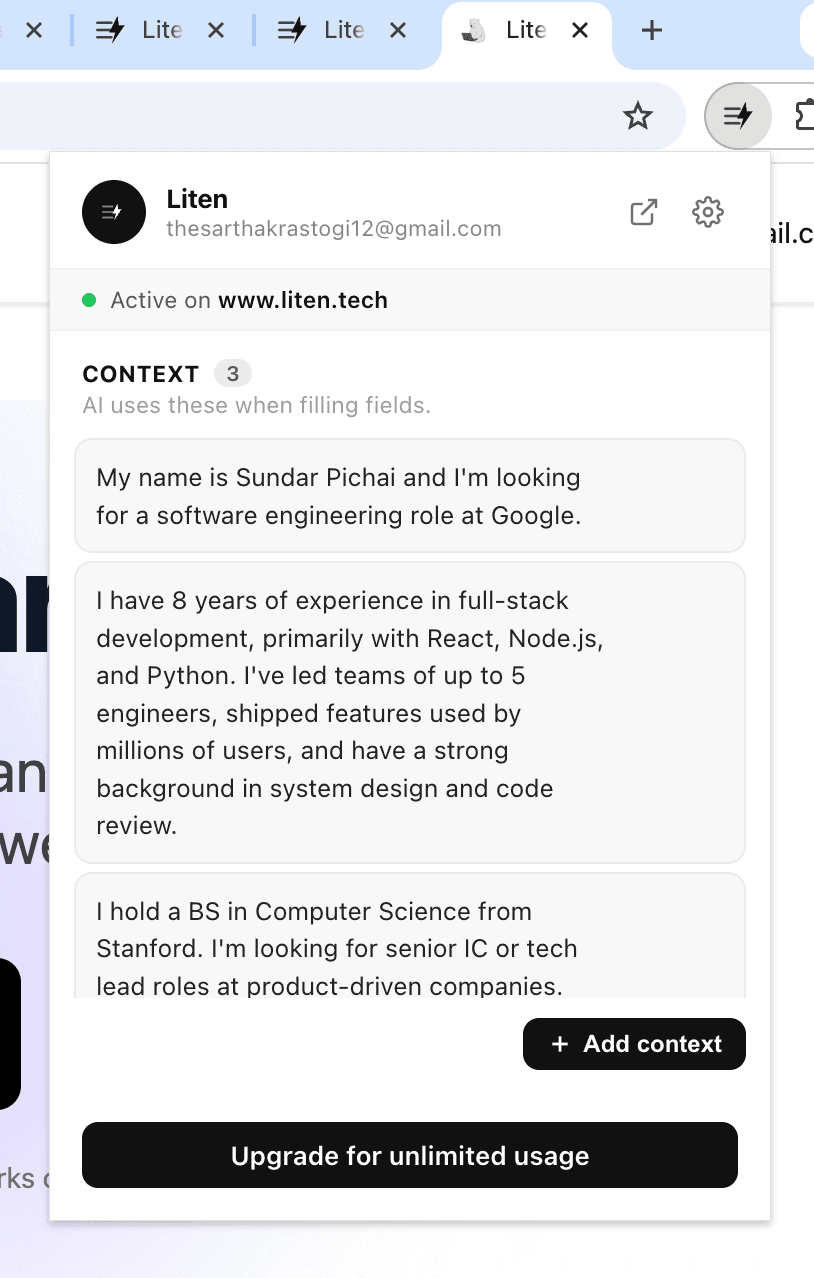
You can also click "Add Context" to manage everything in one place.
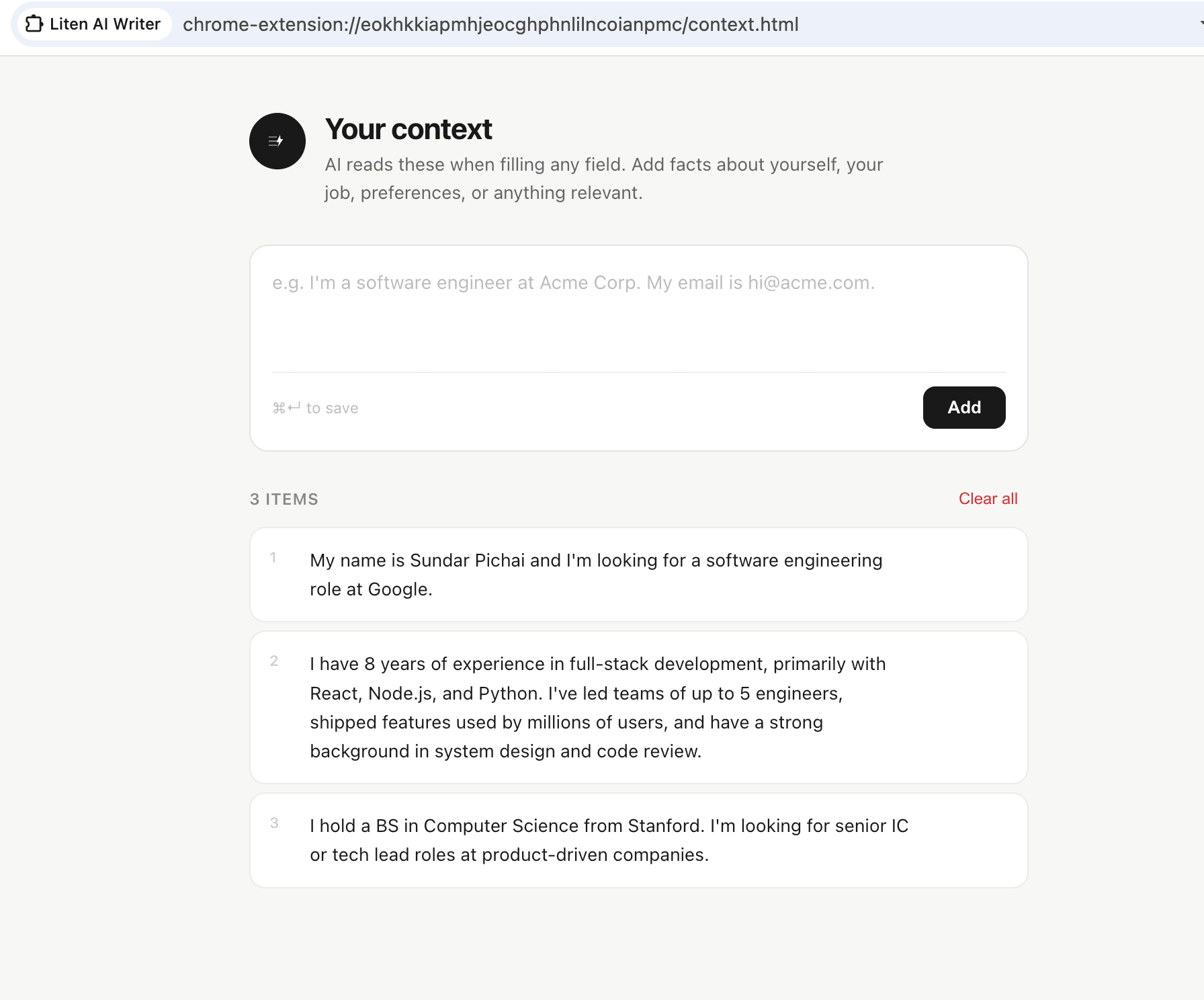
For freelancers, effective context includes:
- Your specialty and the services you offer
- Your experience level and notable past clients or projects
- Your process and how you work with clients
- What makes your approach different
- Your target clients and industries
- Typical project timelines and deliverables
- Your rates and packages (if you want Liten to reference them)
Step 4: Use Liten Anywhere You're Writing
Liten works on every website in Chrome. Whether you're on Upwork, a client's custom portal, Gmail, a Google Form, or a website contact form, the AI button shows up in every text field.
Platform profiles: Writing a compelling bio for Upwork, Fiverr, or LinkedIn is hard. Liten generates professional, specific profile copy based on your background and services.
Proposal responses: When a client posts a project and you want to apply, Liten generates a tailored response in the proposal text field—so you're not rewriting your pitch from scratch every time.
Client inquiry replies: When someone messages you asking about your services, Liten drafts a professional, informative reply.
Onboarding questionnaires: New client platforms often require detailed onboarding forms. Liten can draft answers about your experience, process, and background.
Project updates: Keeping clients informed takes consistent communication. Liten helps draft clear, professional status updates.
Invoice follow-ups: Following up on an unpaid invoice is awkward to write. Liten handles the first draft.
Tips for Freelancers
Keep your context updated with recent work. Add new notable projects and clients as they happen. The more current your context, the more your Liten-generated content reflects where you are in your career now.
Write context for your ideal client, not just your history. If you're targeting a specific type of client or industry, include that in your context. Liten will frame your experience in terms that resonate with those clients.
Use it for the writing you hate. Most freelancers have one type of communication they always procrastinate on. Start there.
It's a draft, not a submission. Always review and personalize before sending to a client. The goal is to eliminate the blank-page problem. The final polish is still yours.
The Business Case
Time spent writing proposals, updating profiles, and managing client communication is time not spent on billable work. If Liten saves you two hours a week, that's two hours you can bill—or two hours you can spend not working.
Install Liten for Chrome and spend less time writing about your work so you can do more of it.