How Students Can Use AI to Write Better Personal Statements, Bios, and Academic Forms
Applying to universities, scholarships, internships, and academic programs involves a lot of writing that isn't quite schoolwork—and isn't quite professional communication either. Personal statements, activity descriptions, short answer responses, research interest summaries, and academic bios all require a specific kind of writing that many students find genuinely difficult.
Liten is a Chrome extension that generates text in any form field on any website, based on context you provide about yourself. Here's how to use it for the non-essay writing that academic and professional applications require.
The Writing Students Struggle With Most
Most students can write an essay. The challenge is the other stuff:
- Personal statement prompts for college applications, graduate school, and scholarships
- Activity and achievement descriptions (like the Common App activities section)
- "Tell us about yourself" fields on internship and program applications
- Research interest statements for graduate programs
- Short professional bios for academic portfolios or program websites
- Online forms for fellowships and competitive opportunities
These require synthesizing your entire background into a few sentences or paragraphs, tailored to the specific opportunity—over and over again, for every application.
How to Use Liten for Applications
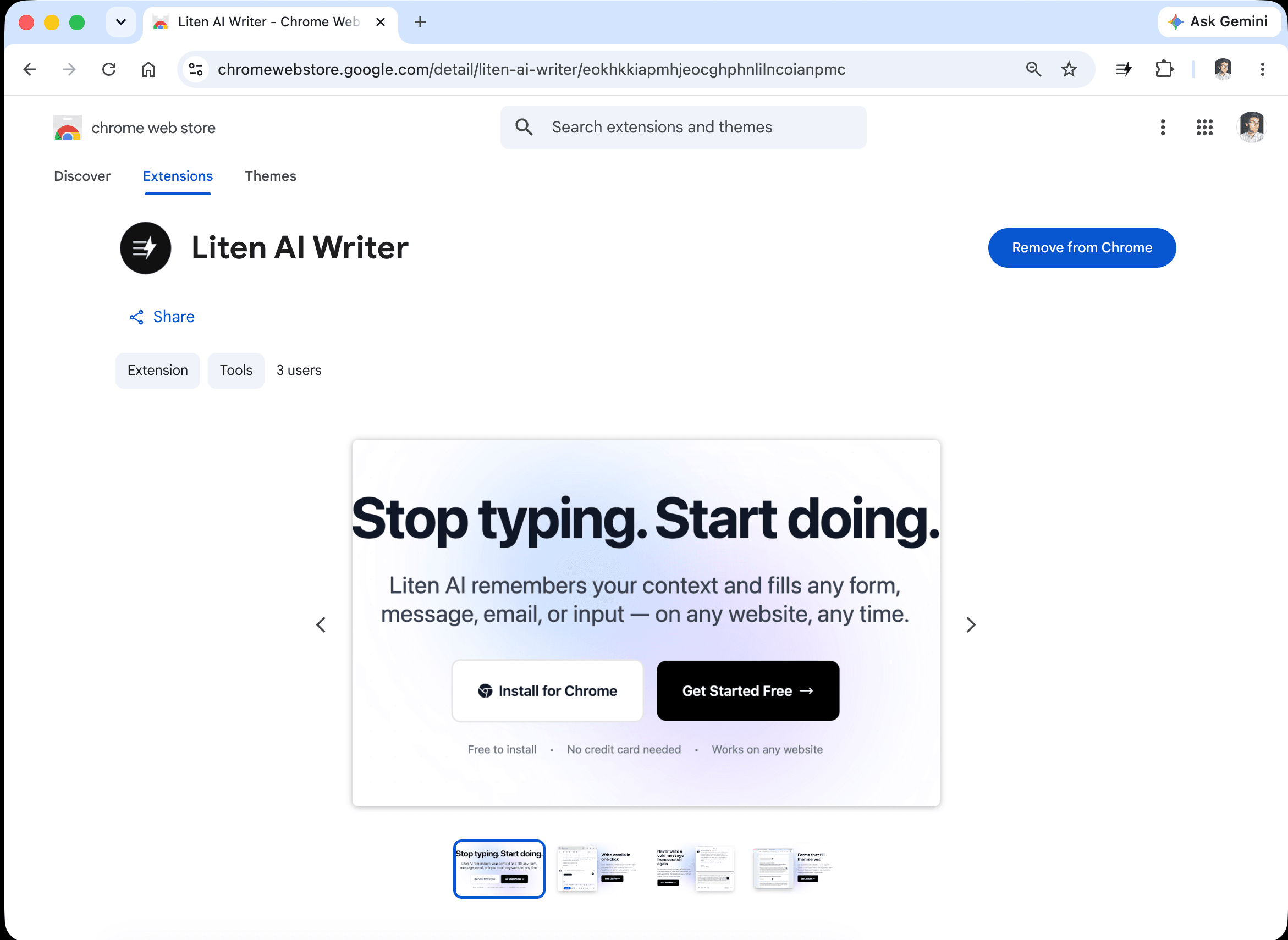
Step 1: Install the Extension
Head to the Liten listing on the Chrome Web Store and click Add to Chrome.
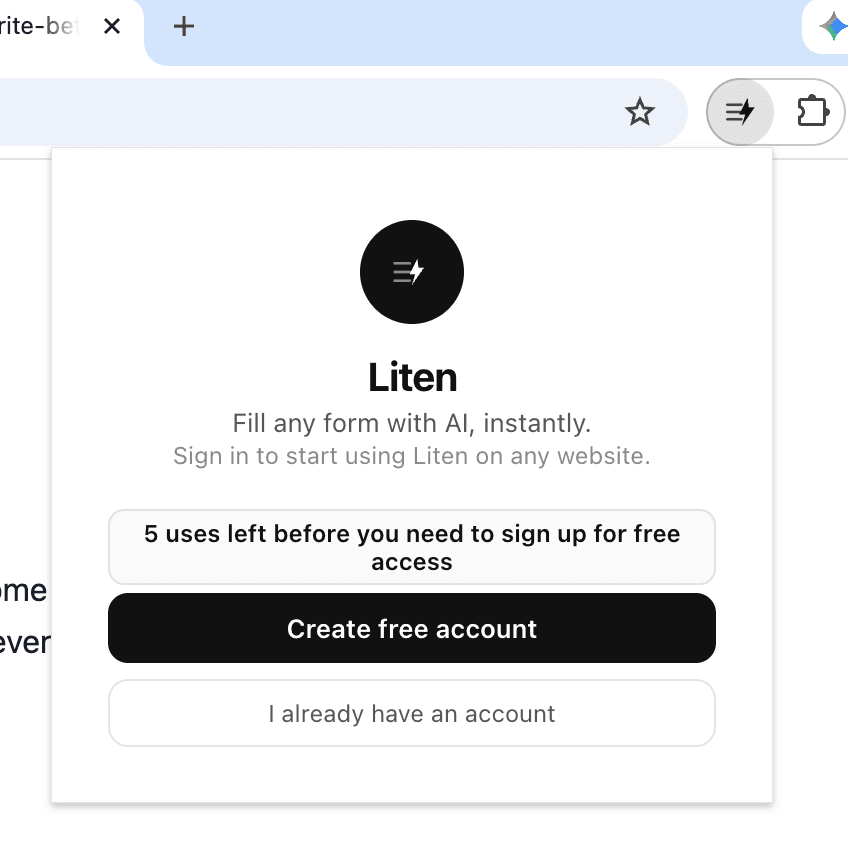
Step 2: Create a Free Account
Open the extension and create a free account to get started. You can use it for free for as long as you want.
Step 3: Set Your Context
Open the extension popup and add your context—this is the foundation for everything Liten generates.
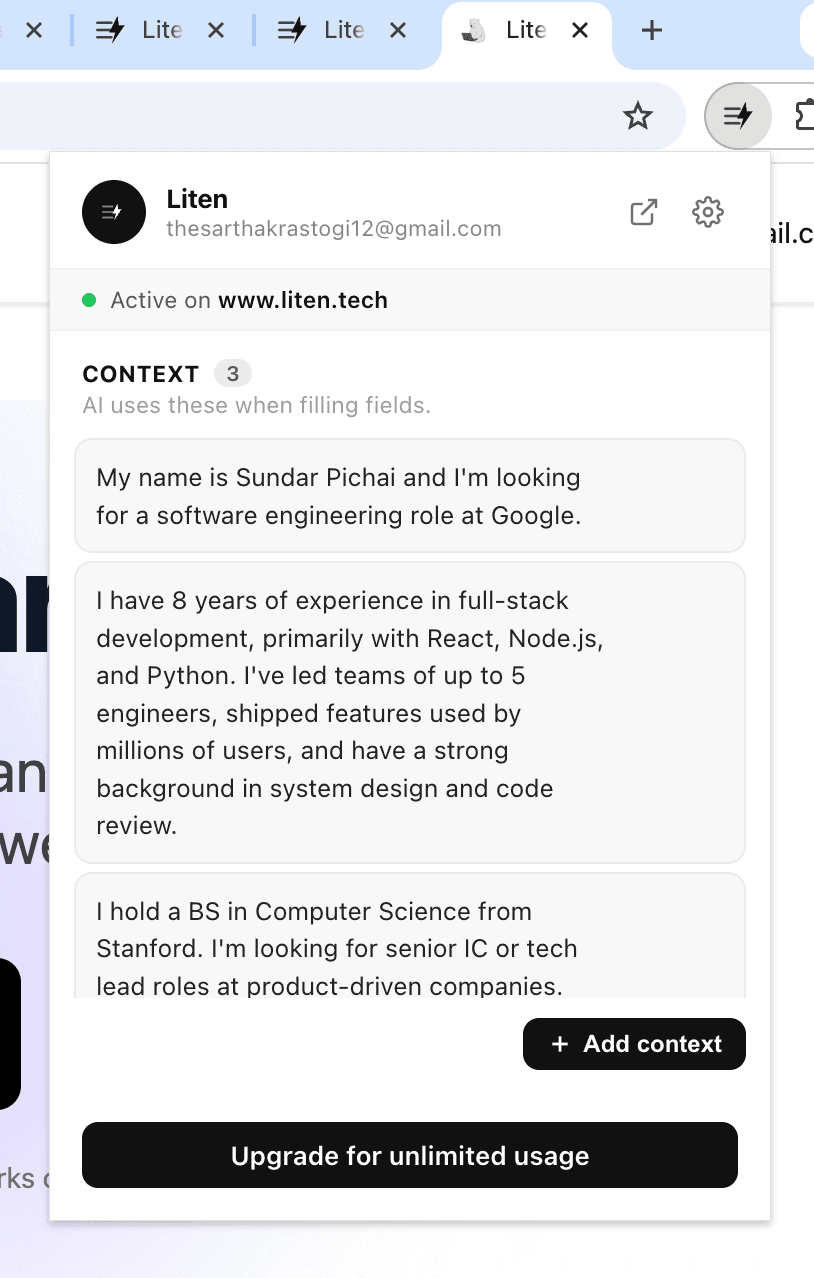
You can also click "Add Context" to manage everything in one place.
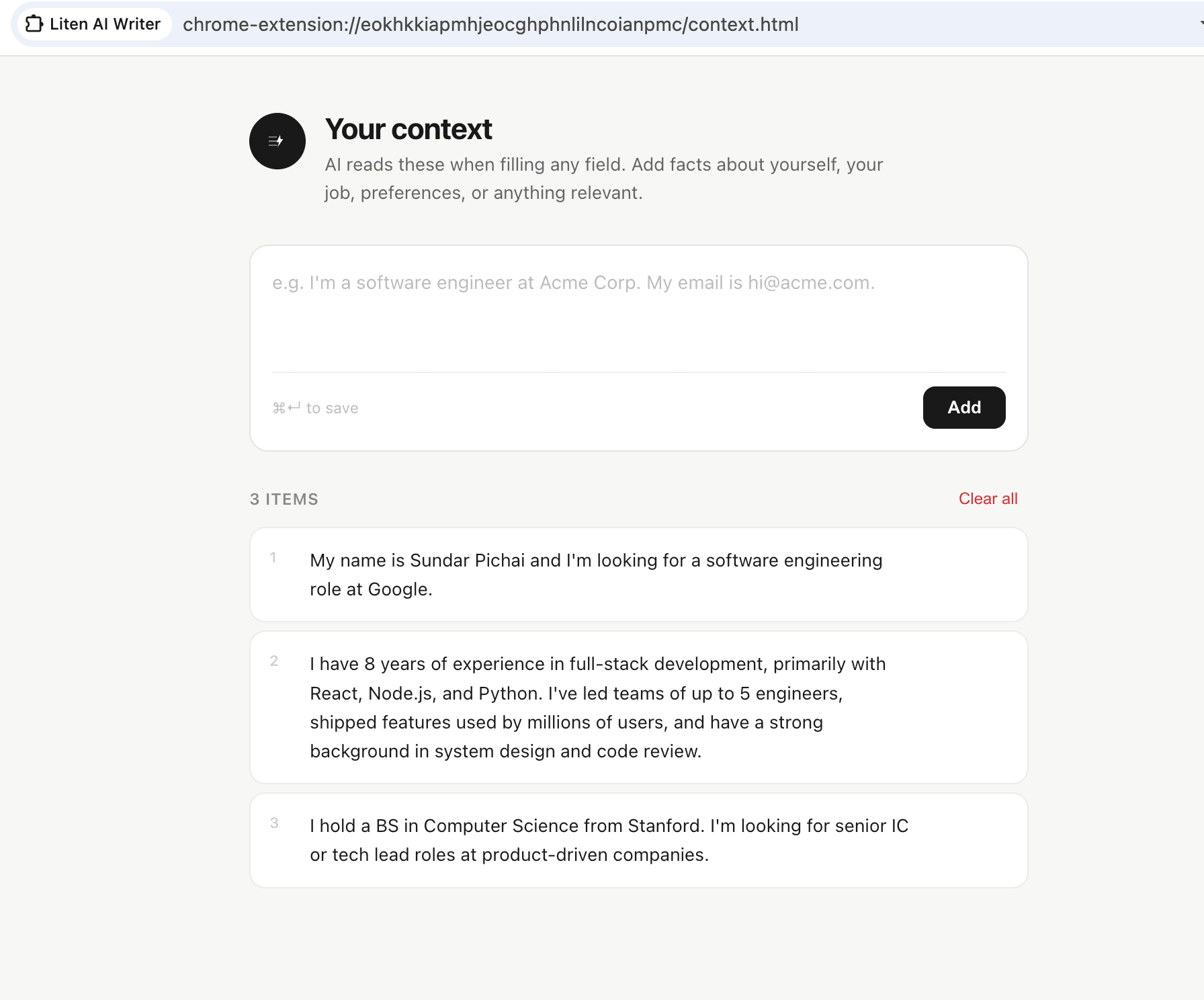
For students, useful context includes:
- Your academic background (major, institution, year)
- Relevant coursework and academic interests
- Research experience, if any
- Extracurricular activities and leadership roles
- Work experience, internships, or volunteer work
- Career goals or academic interests you're pursuing
- Anything that makes your background distinctive
Write this in plain, specific language—not a formal resume format. The more concrete and specific you are, the better Liten's outputs will be.
Step 4: Let Liten Write Your Application Fields
Navigate to any application form—a scholarship portal, a program application, an internship application. When you click into a text field, the Liten logo appears. Click it to generate a draft.
For a field like "Describe your research experience and interests," Liten pulls from the relevant parts of your background and drafts a cohesive, relevant response. For "Tell us why you're interested in this program," it draws from your goals and experience.
Step 5: Edit and Tailor
The draft is a starting point. Review it and:
- Add specific details about this program, scholarship, or opportunity
- Make sure it sounds like you, not like generic AI output
- Adjust the emphasis to match what this opportunity is looking for
- Check that all the facts are accurate
This is much faster than writing from scratch—and often produces stronger first drafts than what students write themselves, because the AI doesn't second-guess itself or undersell achievements.
Common Use Cases for Students
Common App activities section: Writing a 150-character description for each activity is harder than it sounds. Liten drafts punchy, specific descriptions that highlight your actual contributions.
Scholarship short answers: Many scholarships ask multiple short-answer questions. Liten generates responses for each field based on your context.
Graduate school forms: Research interest statements, personal background sections, statement of purpose fields—Liten can draft these so you're editing rather than starting cold.
Academic bios: Many academic events, student organization websites, and research programs ask for a brief bio. Liten drafts one from your context in seconds.
Fellowship applications: Competitive fellowships like Fulbright, NSF, or Goldwater involve detailed applications with many narrative sections. Liten can help draft each section from your background.
A Note on Academic Integrity
Using Liten for application forms, bios, and administrative writing is different from using AI for coursework. Forms and personal statements are about communicating who you are—Liten helps you do that more effectively, just as a college counselor or mentor might help you workshop a draft. Always make sure the final content accurately reflects your own experiences and goals.
The Bigger Picture
Students who communicate their background clearly and compellingly have an advantage in competitive applications. Liten helps you spend less time on blank pages and more time making sure your applications actually reflect how strong your background is.
Install Liten for Chrome and try it on your next application.