How Sales Professionals Can Use AI to Write Better Outreach, Faster
Sales is a writing-heavy job. Between cold emails, follow-ups, LinkedIn messages, CRM notes, and proposal narratives, a good sales rep writes dozens of pieces of original content every single day.
The problem is that most of it looks the same. Templates get recycled, copy gets stale, and prospects can tell when they're reading something that's been sent to a hundred other people. Personalization takes time—and time is exactly what salespeople don't have.
Liten is a Chrome extension that generates sales copy directly in any web-based text field, drawing from your background, your company's value proposition, and the context you provide.
The High-Volume Writing Problem in Sales
A typical outbound rep might send 50–100 prospecting emails a week, run multi-touch sequences across email and LinkedIn, and write proposals and scoping documents on top of that. You can't write truly personalized messages at that volume without help. So teams use templates—which work until everyone uses the same ones and prospects start ignoring them.
AI-assisted writing offers a third option: fast drafting that still feels personal, because it's grounded in real information rather than a generic template.
How to Use Liten for Sales
Step 1: Install the Extension
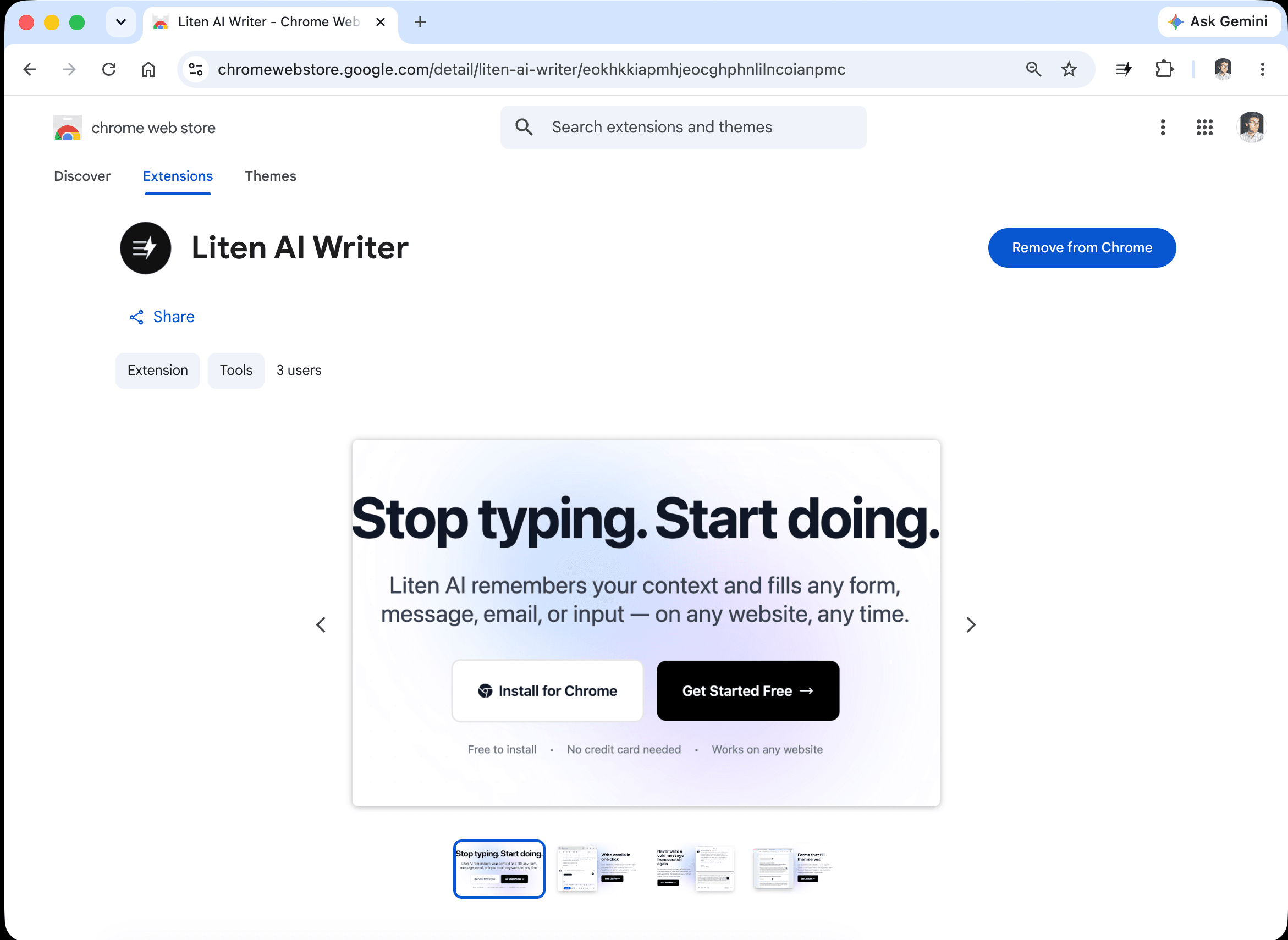
Head to the Liten listing on the Chrome Web Store and click Add to Chrome.
Step 2: Create a Free Account
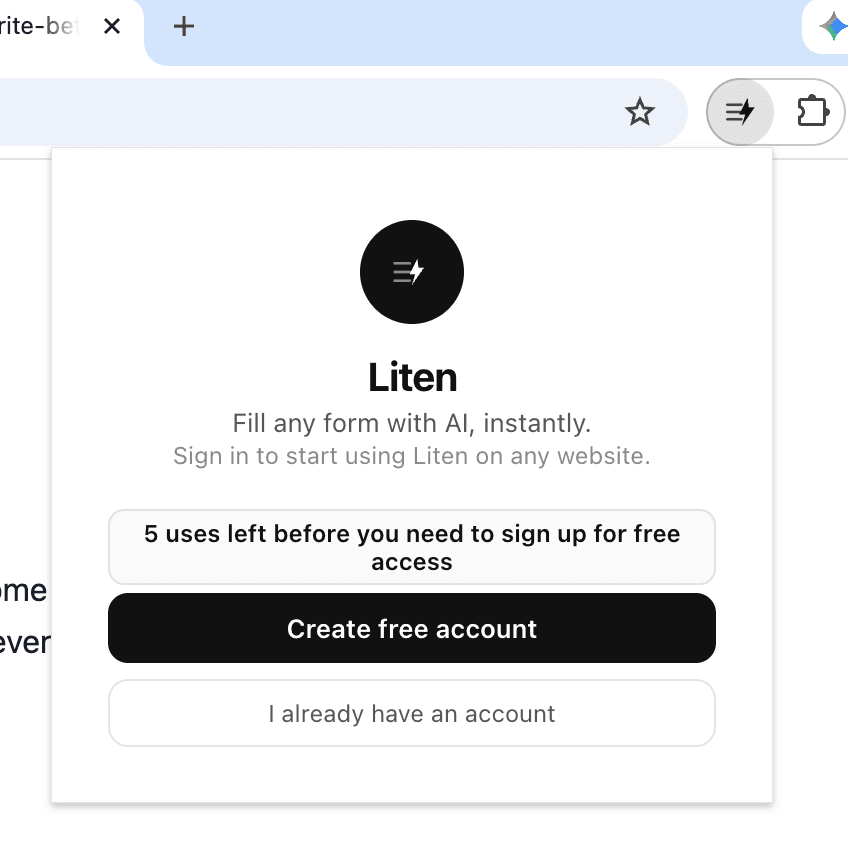
Open the extension and create a free account to get started.
Step 3: Set Your Sales Context
Open the extension popup and add your sales-specific information. This is what Liten draws from every time you generate outreach copy.
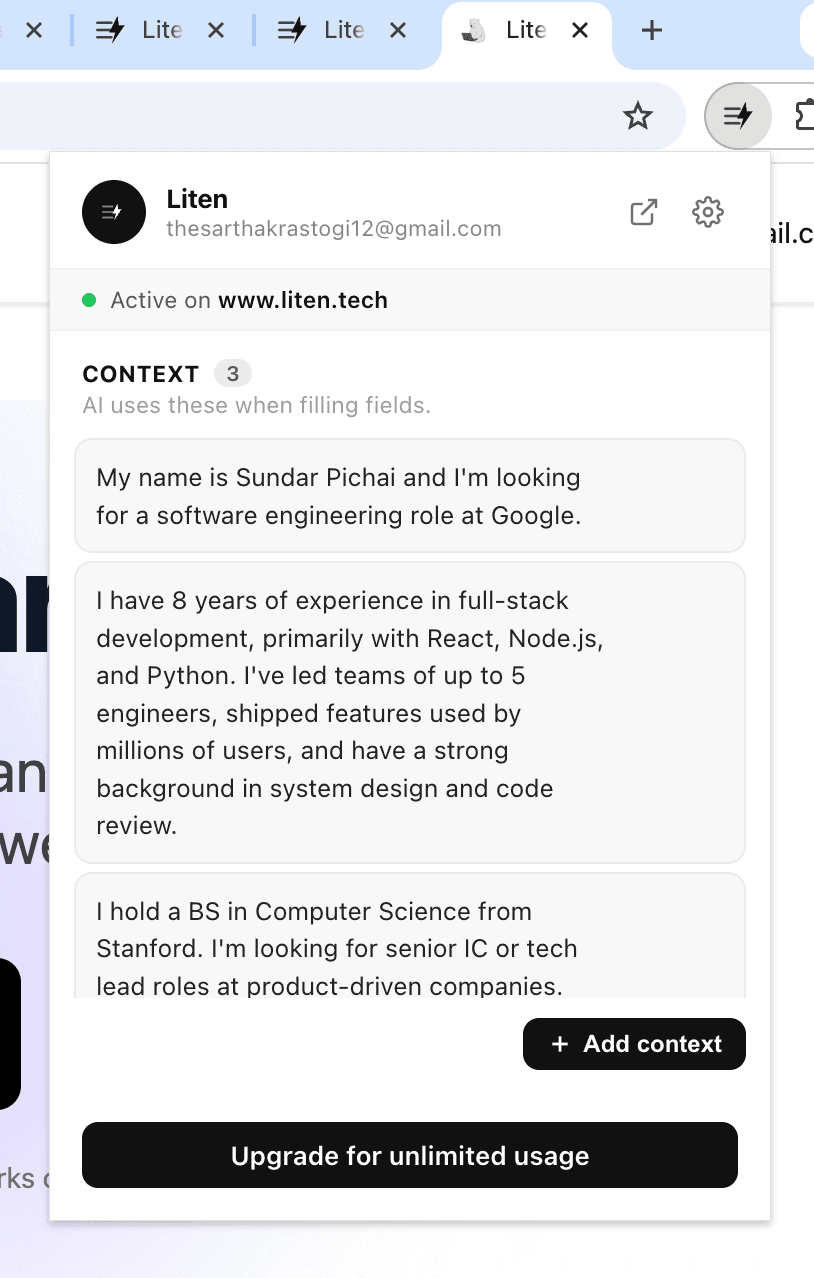
You can also click "Add Context" to manage everything in one place.
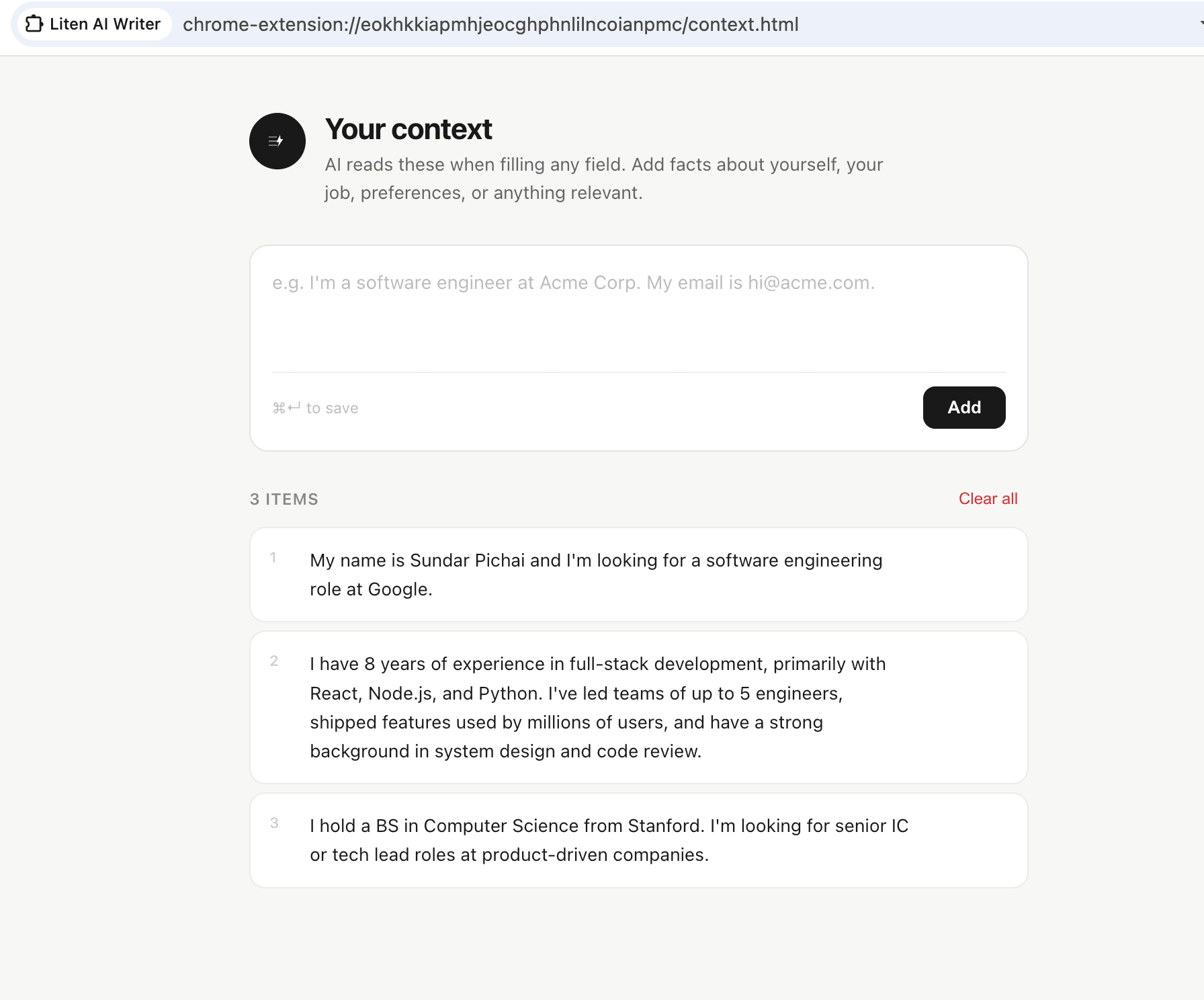
For sales, effective context includes:
- Your company name, what you do, and who you serve
- Your primary product or service and its key benefits
- The problems you solve and the outcomes customers get
- Your ideal customer profile and typical buyers
- Key differentiators from competitors
- Common objections and how you address them
- Your sales approach and communication style
Once set, Liten uses this as the foundation for everything it generates—so your value proposition stays consistent across all your outreach.
Step 4: Click Liten Wherever You're Writing
Cold email: Open your email client, start a new message, and click the Liten button to draft your opener. Instead of pulling up a template and doing find-replace on the prospect's name, Liten generates a fresh email grounded in your company's actual value.
LinkedIn outreach: For LinkedIn prospecting, Liten works directly in the message compose window. Write a connection request note, an InMail, or a follow-up message using the AI button right there in the field.

CRM notes and forms: Many sales teams use web-based CRMs where reps log detailed notes, fill out account information, and write opportunity summaries. Liten works in all of these text fields—so writing CRM entries goes from a chore to a two-click task.
Proposals: Proposals often include narrative sections about your company, your approach, and why you're the right fit. Liten drafts these from your context, giving you a strong foundation to customize for each deal.
Getting the Most Out of Liten in Sales
Treat context like your best pitch. The context you give Liten is effectively your best internal description of what you do and why it matters. Write it that way—specific, benefit-focused, with clear language about the problems you solve.
Use Liten for the first draft, not the final send. Every Liten-generated message needs a human pass before it goes out. Add the prospect's name, reference something specific about their situation, and make sure the tone matches the relationship. AI gets you 70% of the way there in 10% of the time.
Keep context updated when your offering changes. If your product has new features, if your ICP shifts, or if you're focusing on a new vertical, update your Liten context. Stale context produces stale messaging.
The Competitive Advantage
The best salespeople personalize at scale. That used to mean either working more hours or hiring more reps. Liten is a third option: write better, faster, across every channel, without sacrificing the quality that makes prospects respond.
Install Liten for Chrome and start writing outreach that actually gets replies.